How to report an incident or an adverse event
Recording what went wrong is a patient-safety obligation, not a confession. What is not reported cannot be fixed.
Incident and adverse event are not the same
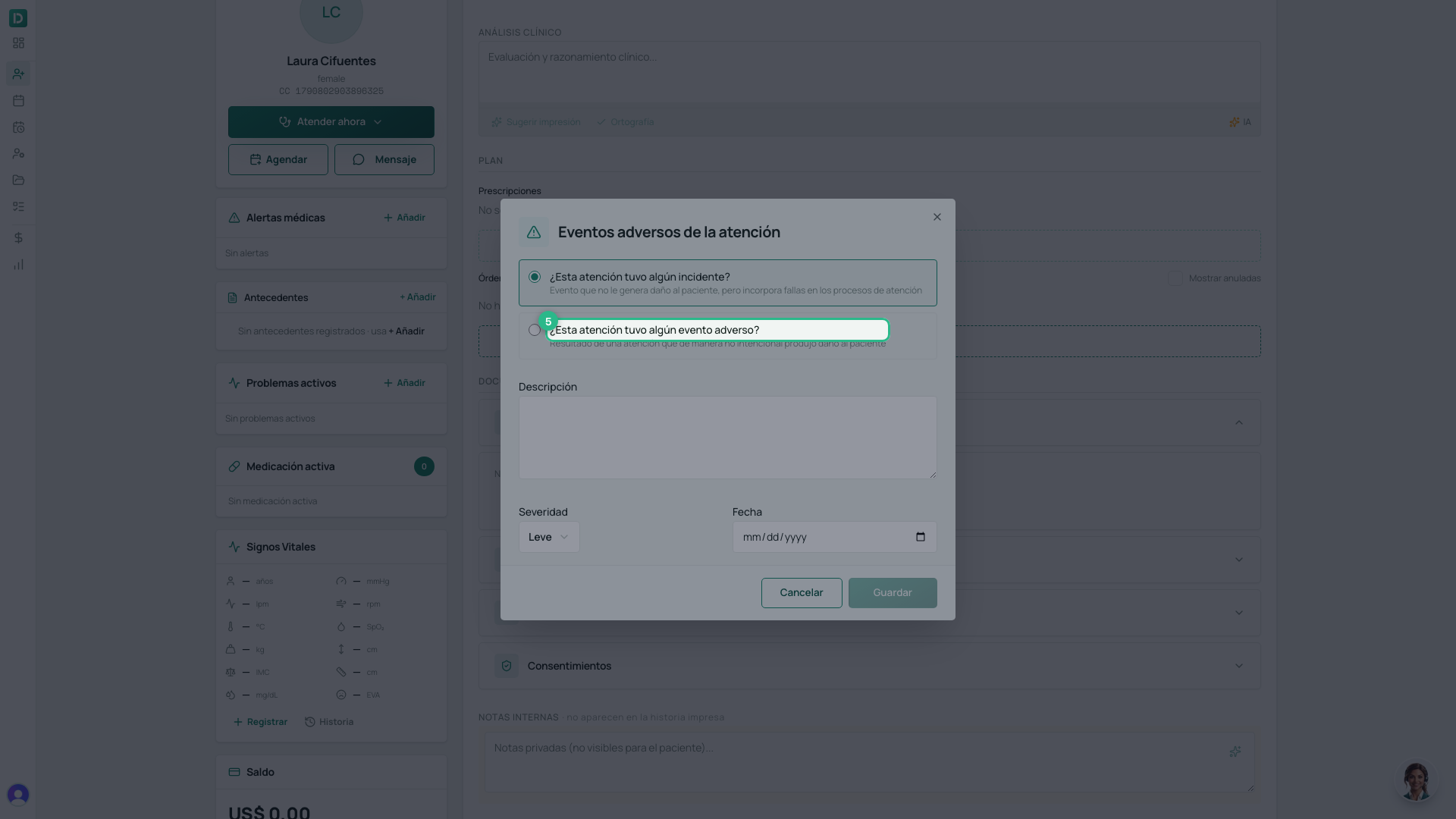
It is the only decision that matters in this form, and the platform asks it in those words:
| What happened | Example | |
|---|---|---|
| Incidente | A process failure that did no harm to the patient | The wrong medication was prepared and caught before it was given |
| Evento adverso | Care that unintentionally did cause harm | It was given, and the patient reacted |
If you are unsure, ask one thing: was the patient harmed?
Before you start
The attention must be saved. Otherwise the section only says “Guarda la atención para registrar eventos”.
Steps
-
Open the attention from the patient’s Línea de tiempo.
-
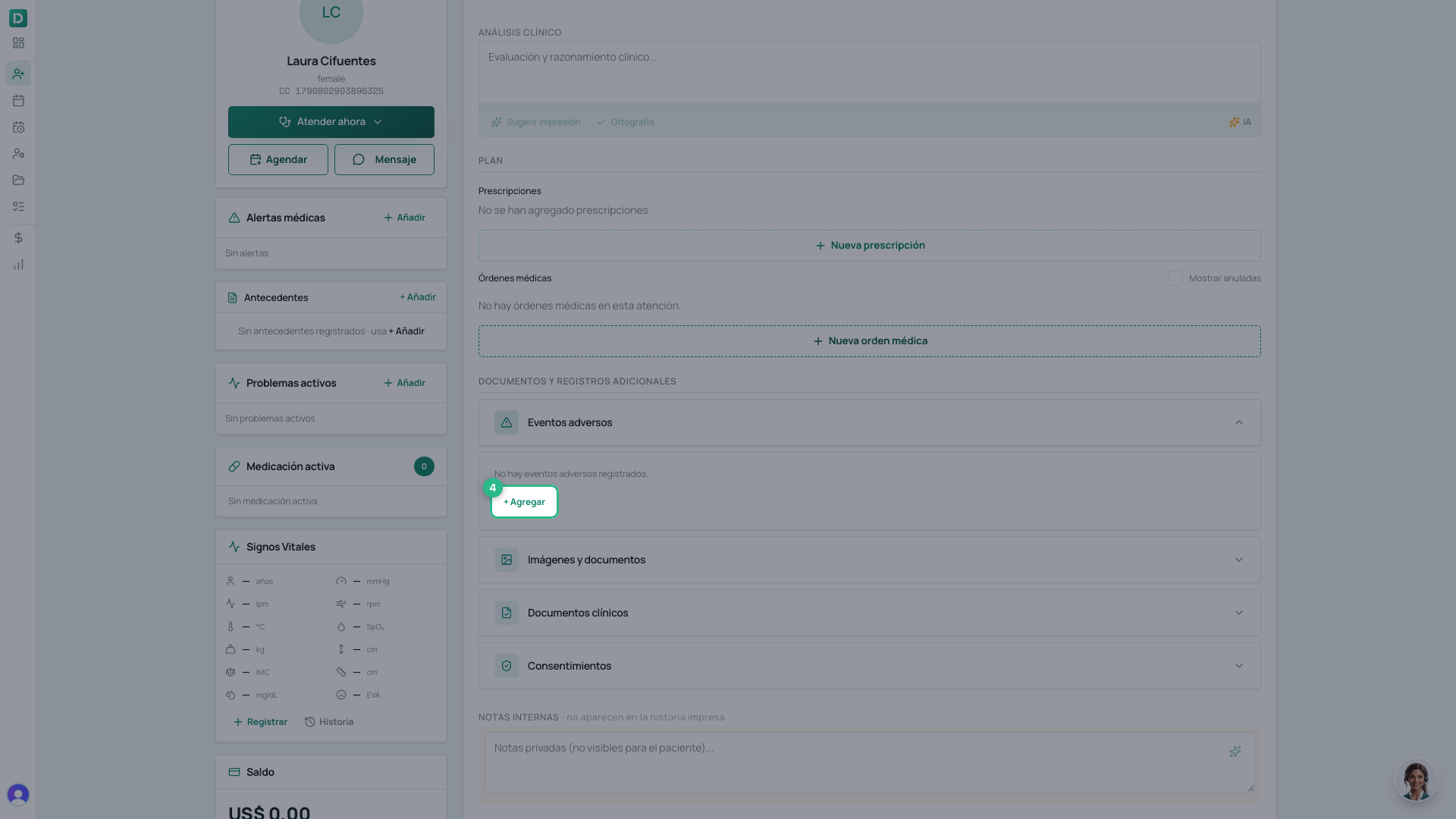
Scroll to Eventos adversos, open it (it starts closed) and click Agregar.
-
Choose incidente or evento adverso, using the question above.
-
Describe what happened — the facts, not the blame. Whoever reads it later needs to follow the sequence.
-
Choose the Severidad: Leve, Moderado or Grave.
-
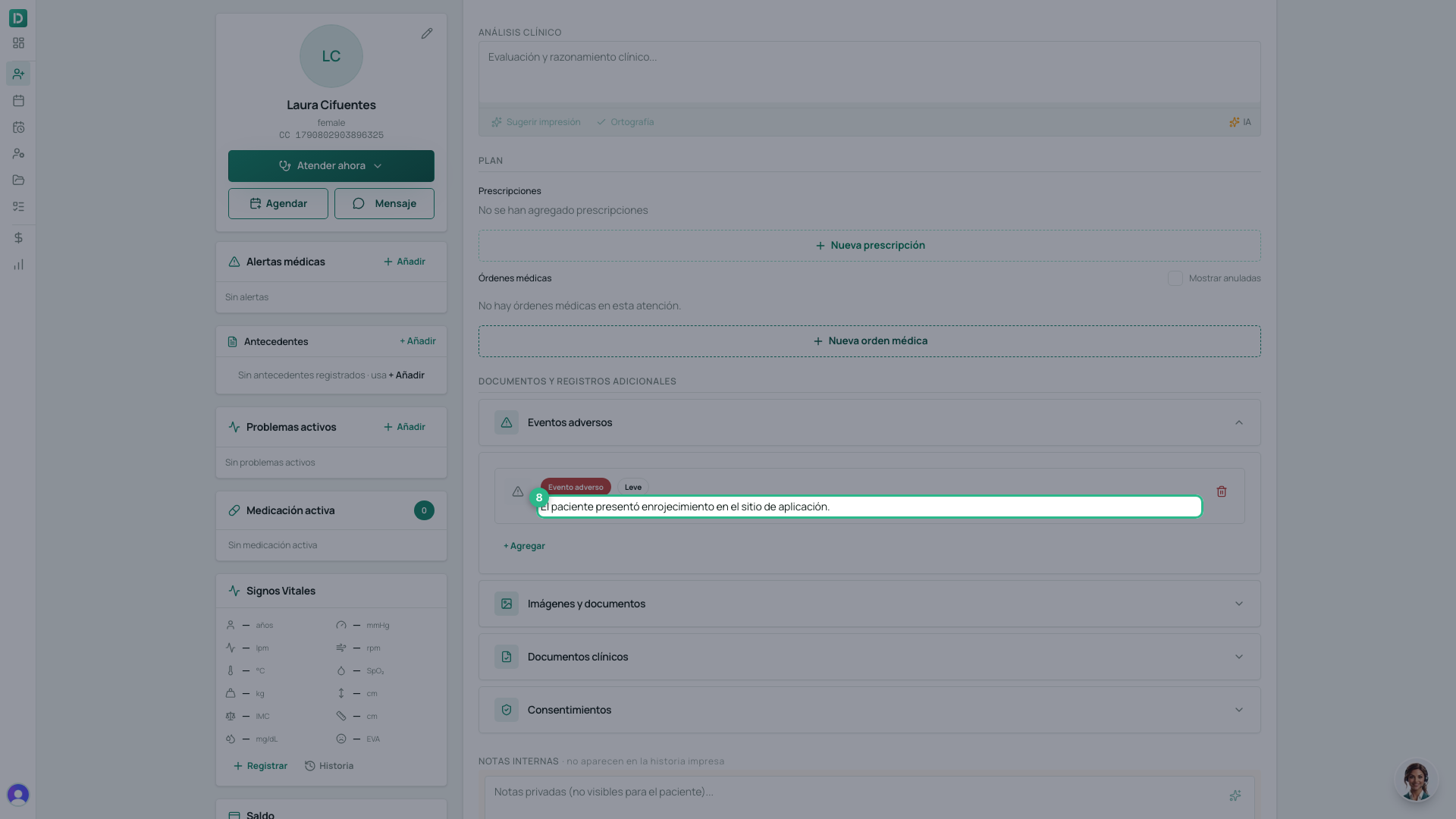
Click Guardar.
Tip
Write the description the way you would tell a colleague arriving for the next shift: what was done, what was seen, what was done next. That is what stops it happening again.