How to view the clinical history
On this page
The clinical history brings together, in a timeline, all appointments, prescriptions, orders, exams, and documents for a patient.
Steps
-
Open Patients and enter the patient’s profile.
-
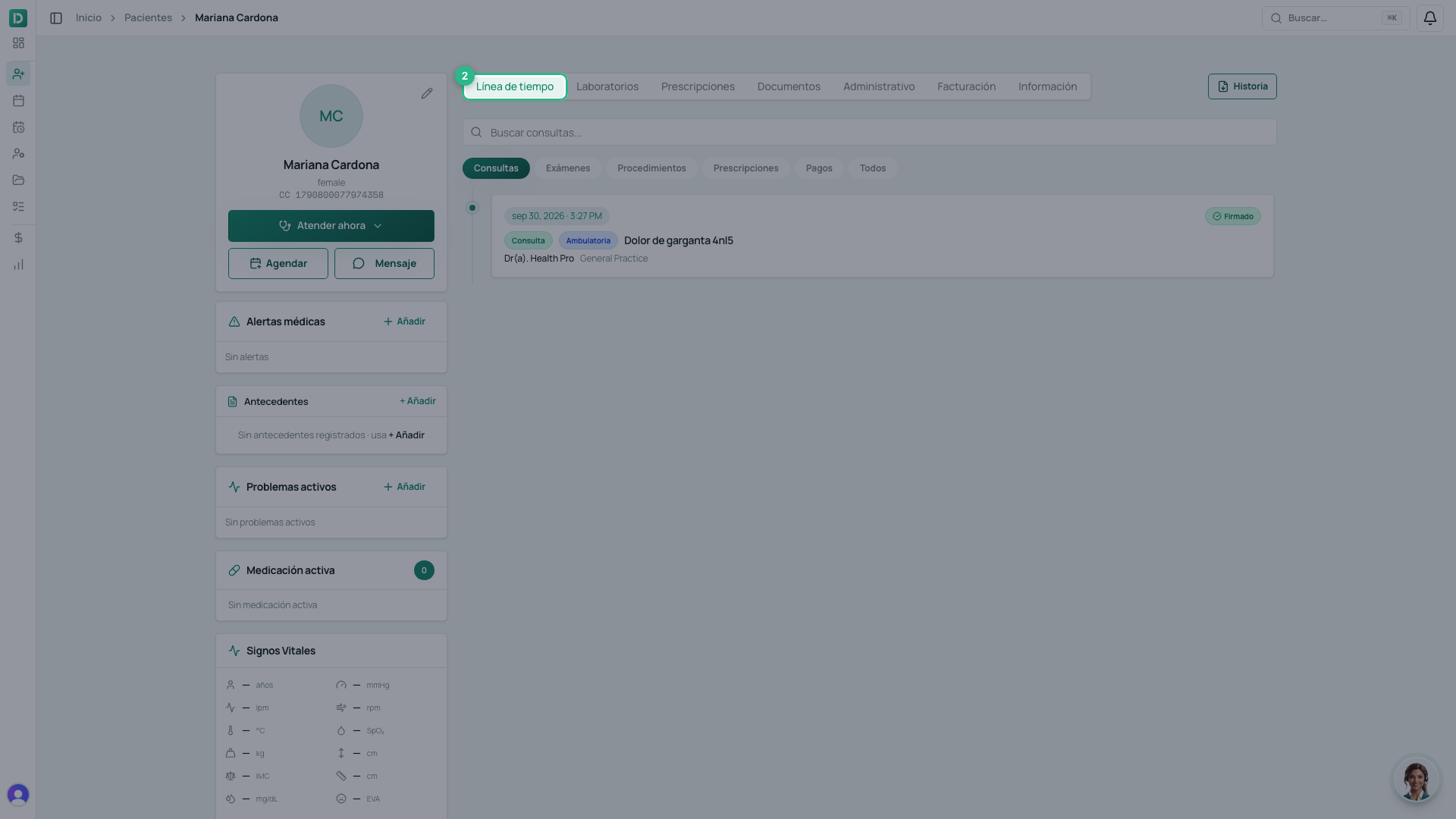
Go to the Línea de tiempo tab. It is the first one, and it opens by default.
-
Each visit appears with its reason and its date.
-
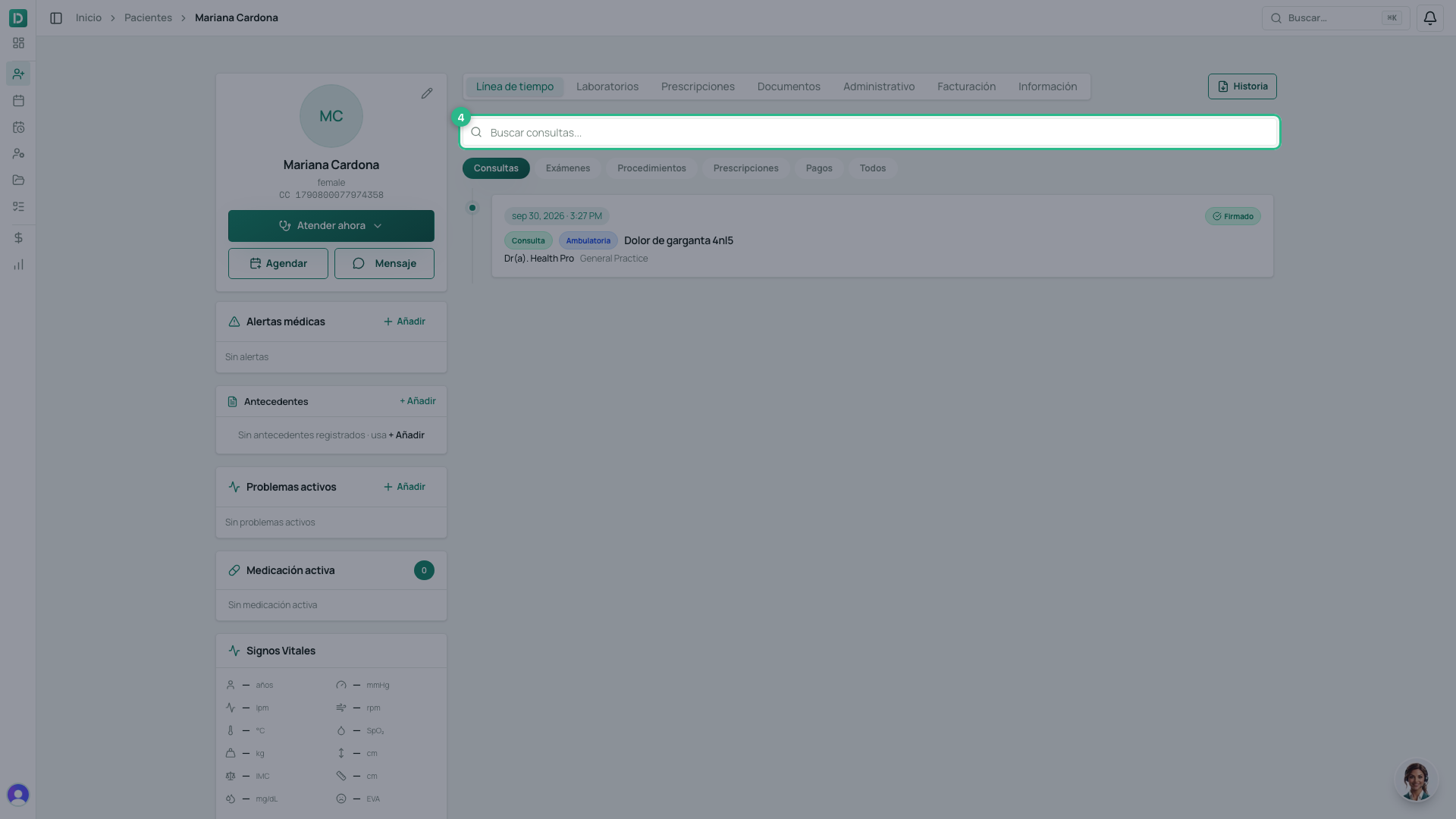
Type in Buscar consultas… to narrow the list. It searches the reason, the prescriptions and the labs.
-
Click any record to open it in full.
Careful with the Historia button
Beside the tabs there is a button reading Historia. It is not the tab: it opens the dialog to download the clinical history as a file. The history you read on screen is the Línea de tiempo.
Tip
Each signed appointment has its verification link: use it to prove the document is authentic and was not altered.