Your agenda as an advisor
If you are a platform advisor, you have your own screen with the sessions people booked with you. You sign in with the account you created from the invitation email.
Before you start
Your account must be linked to your advisor profile. That happens when you accept the invitation. If you see a notice saying the account is not an advisor account, ask the DeusRex team to resend the invitation.
See your sessions
-
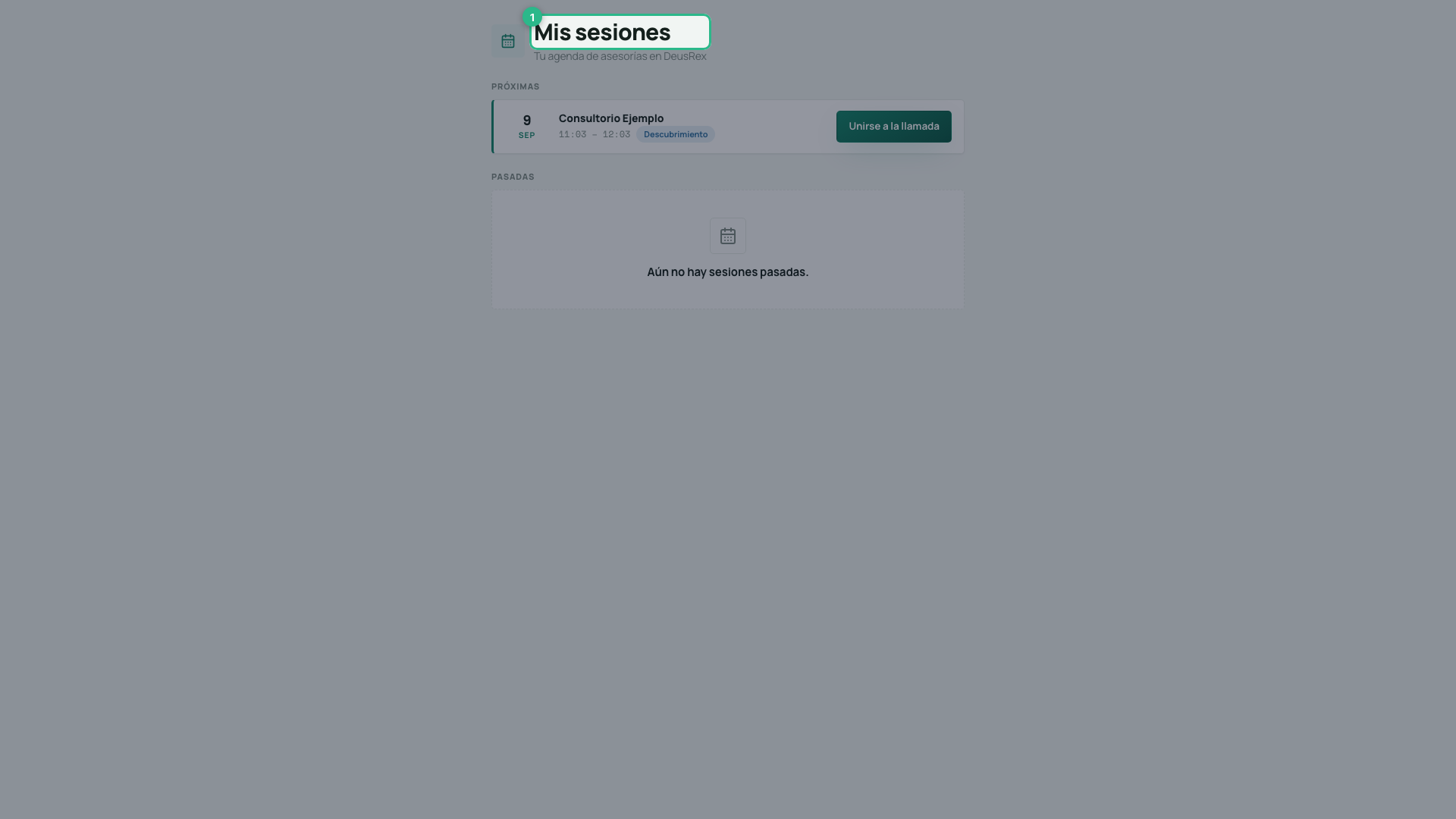
Open dashboard.deusrex.io/advisor/sesiones. You see My sessions.
-
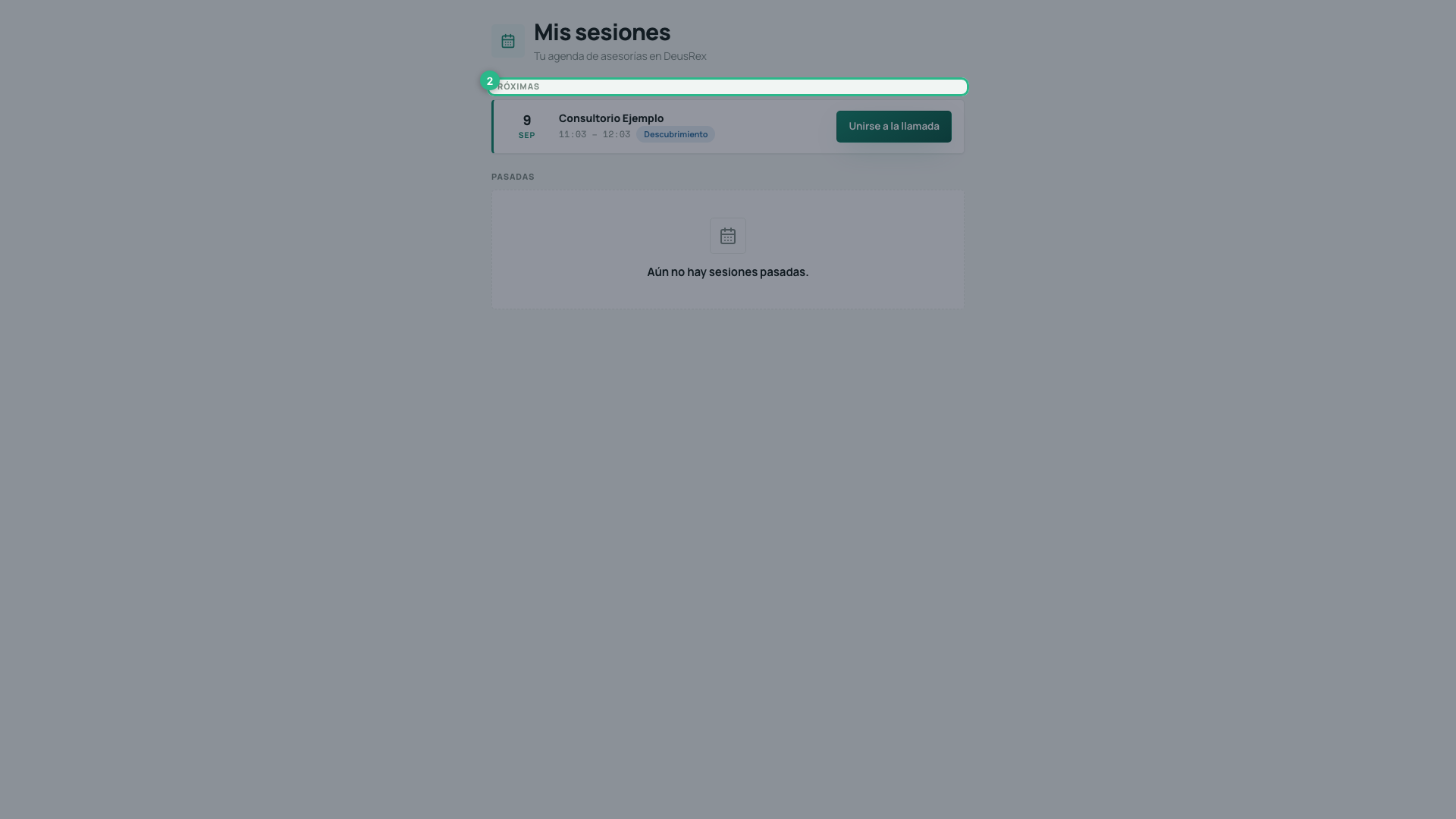
Under Upcoming, each session shows the day, the time and the type: Discovery (free, short) or Working (paid).
-
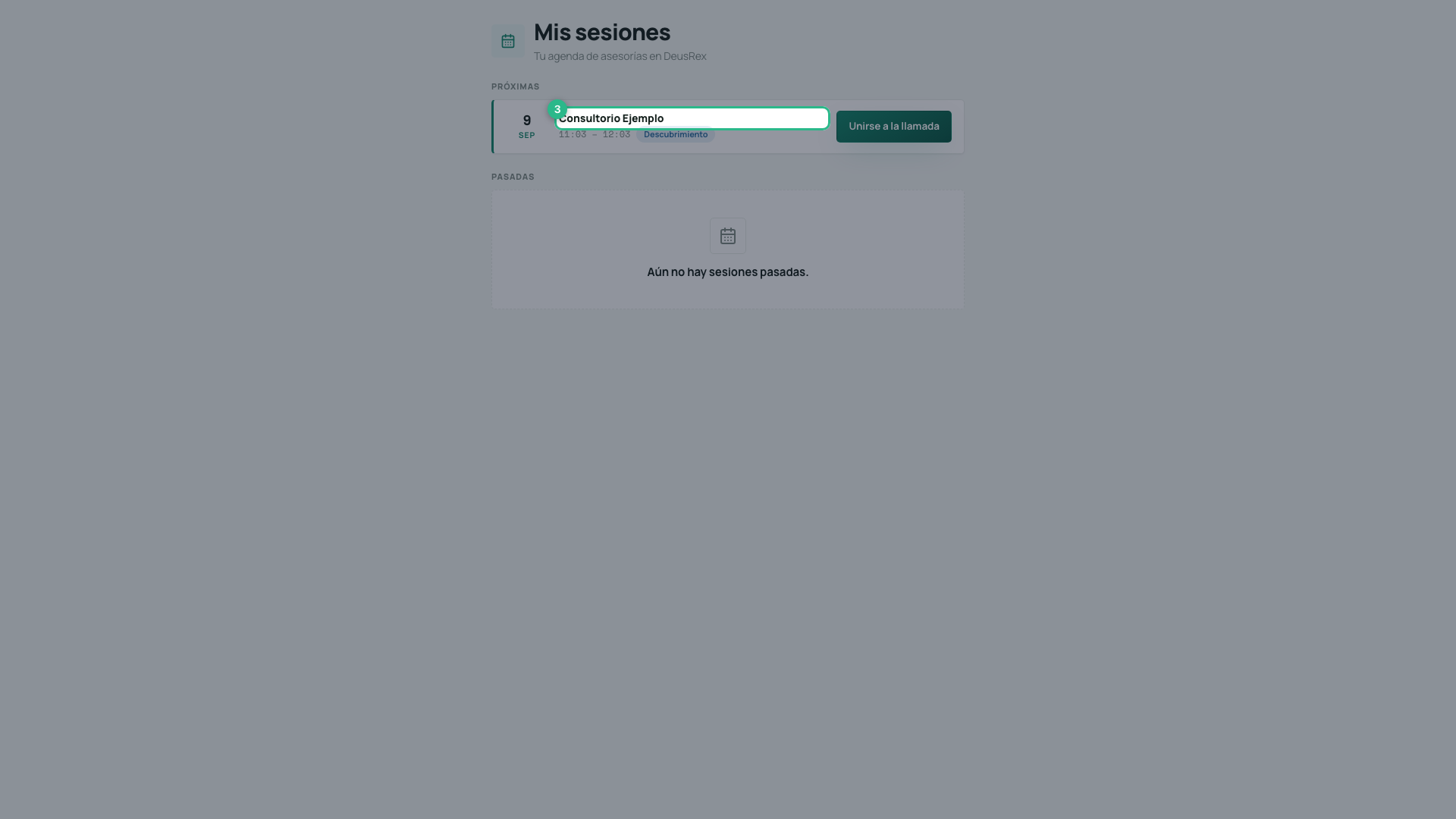
Each session shows who booked it and at what time, so you know who you are about to talk to.
-
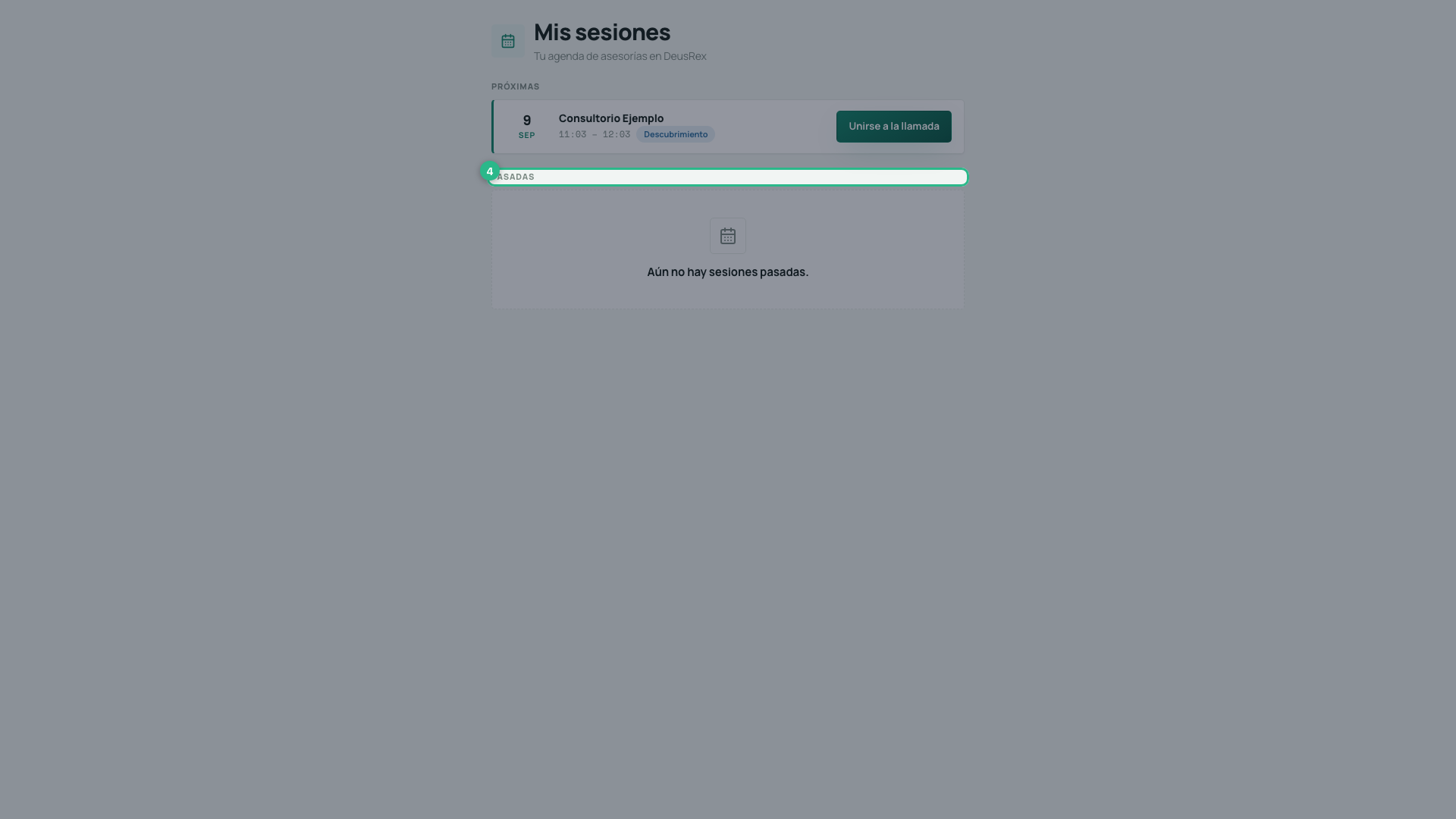
Under Past, the sessions that already happened.
Join a call
The Join the call button turns on 10 minutes before the start time and stays on until 15 minutes after the session ends. Before that window it reads “Opens 10 min before” and cannot be pressed.
A session that has already started stays under Upcoming, not Past: if you step out of the call, the button lets you back in.
Pressing it opens the room in a new browser tab; your schedule stays open behind it. You arrive in the same room as your client: there you choose your camera and microphone, and enter. The controls are the same for both of you.
If you picked the wrong device, or plug in headphones once the session has started, press Change camera or microphone next to Leave: the change happens without dropping the call.
Who else can be in the room
Your client may arrive with someone from their organization — a partner, an assistant — using their own account. 4 people fit in total, and from three onwards the faces move into a grid where each tile carries a name. You see the companions as Team; their names are not shared with you.
Note
Your advisor account belongs to no organization, so you will not see a clinic’s screens. This agenda is your screen.