How to set up your site domain
In Domain and Settings you define your site’s address, its SEO, and how search engines and AI assistants read it.
Steps
- Open Web Builder → Domain and Settings.
- Under Domain Configuration, type your Subdomain: it is the address
DeusRex gives you, and it ends up as
your-business.deusrex.io. - If you already own a domain, type it under Custom Domain and point its DNS at the subdomain you just set.
- Fill in the SEO: the Page Title and Description are what people read on Google, and the preview sits right below them.
- Under AI Discoverability, decide whether to publish
llms.txtand JSON-LD structured data — that is what lets an assistant understand what you do and who you treat. - Click Save All.
What your plan needs
The subdomain DeusRex gives you is included in every plan. Connecting your own custom domain requires the Custom domain and white label add-on, which you activate from Settings → AI and credits.
If you stop paying for it, you can still remove your custom domain at any time — that is never blocked.
The “Hecho con DeusRex” badge
Your published site carries a small Hecho con DeusRex badge in its footer (Made with DeusRex on English sites), linking to deusrex.io.
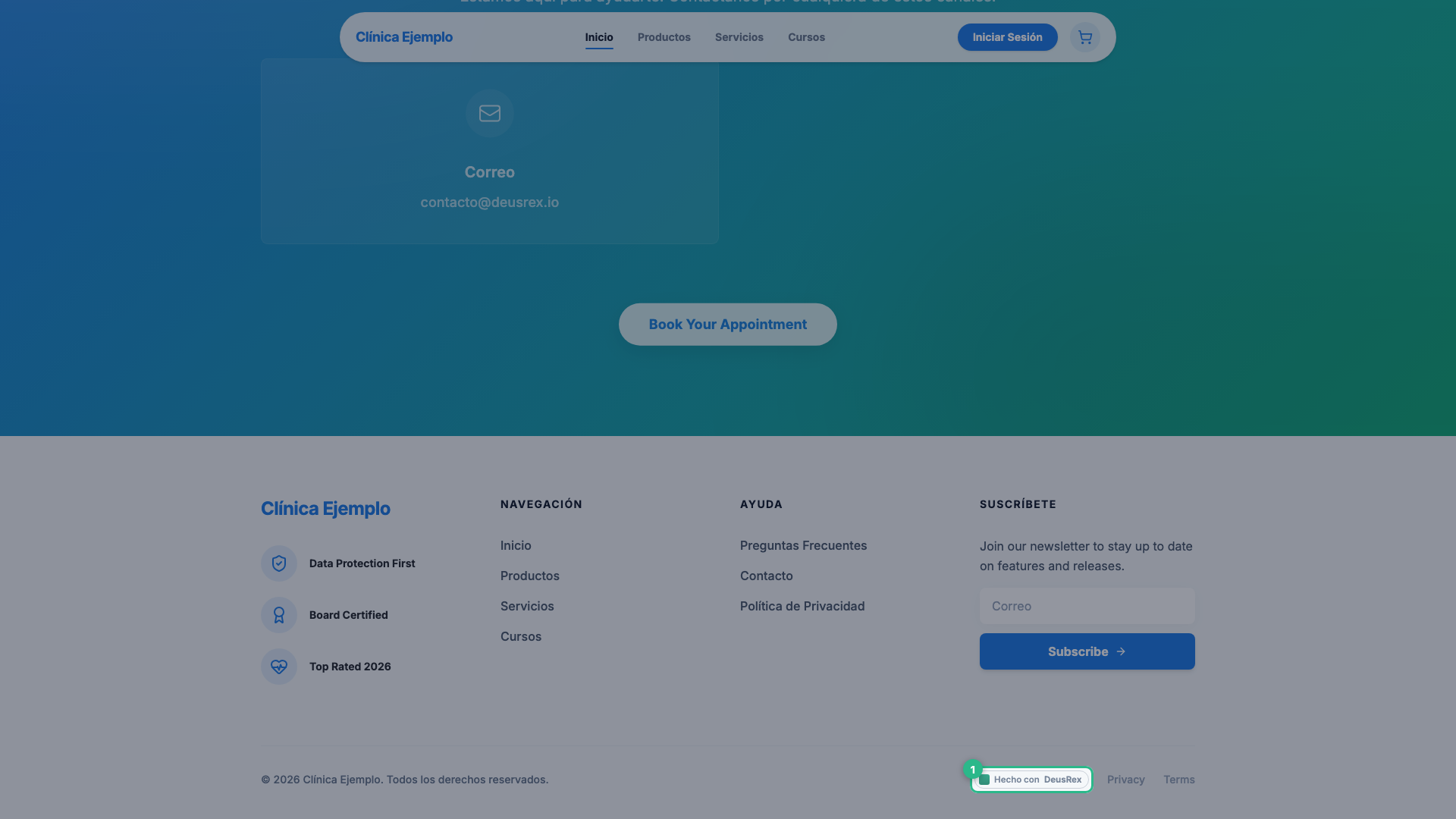
The badge disappears on its own if you have the Custom domain and white label add-on, or a plan that already includes white label (Clinic). There is nothing to configure: the site shows or hides it based on your plan.
Tip
Start with the free subdomain to go online today; connect your custom domain when you’re ready, without redoing the site.