How to create your account
Creating an account gives you your own practice in DeusRex. You need no card and there is nothing to install. The Free plan never expires, and on top of that you get 14 days of the Pro plan to try everything.
Before you start
Have an email you can open right now. We send a 6-digit code, and the account is not ready until you type it in.
Steps
-
Open the sign-up page at /signup.
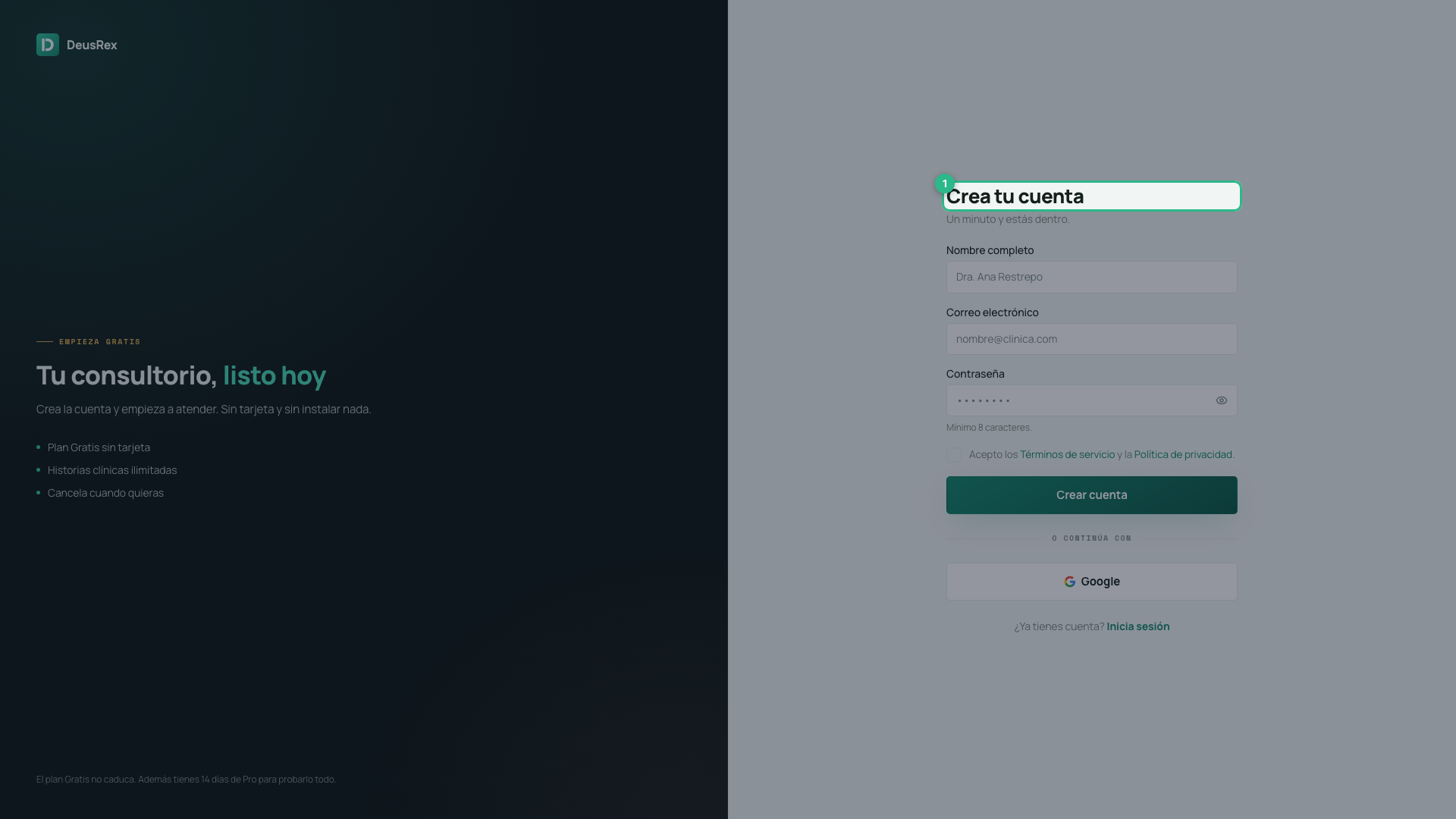
-
Type your full name. We use it exactly as written on your clinical documents, so write it the way you want it to appear.
-
Type your email address.
-
Choose a password of 8 characters or more. Press the eye on the right of the field to see what you typed.
-
Tick the box to accept the Terms of Service and the Privacy Policy. Both links open in another tab.
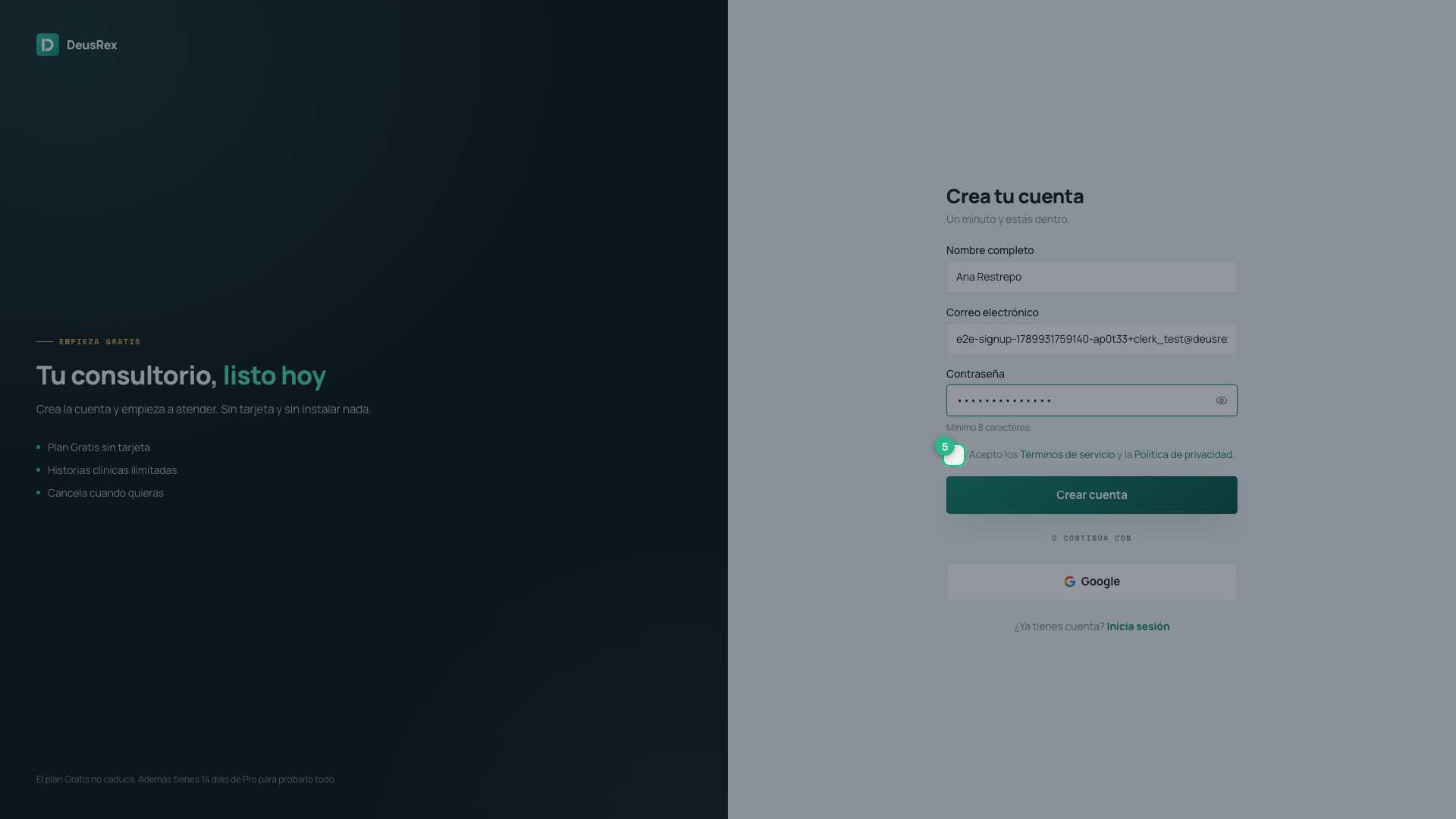
-
Press Create account.
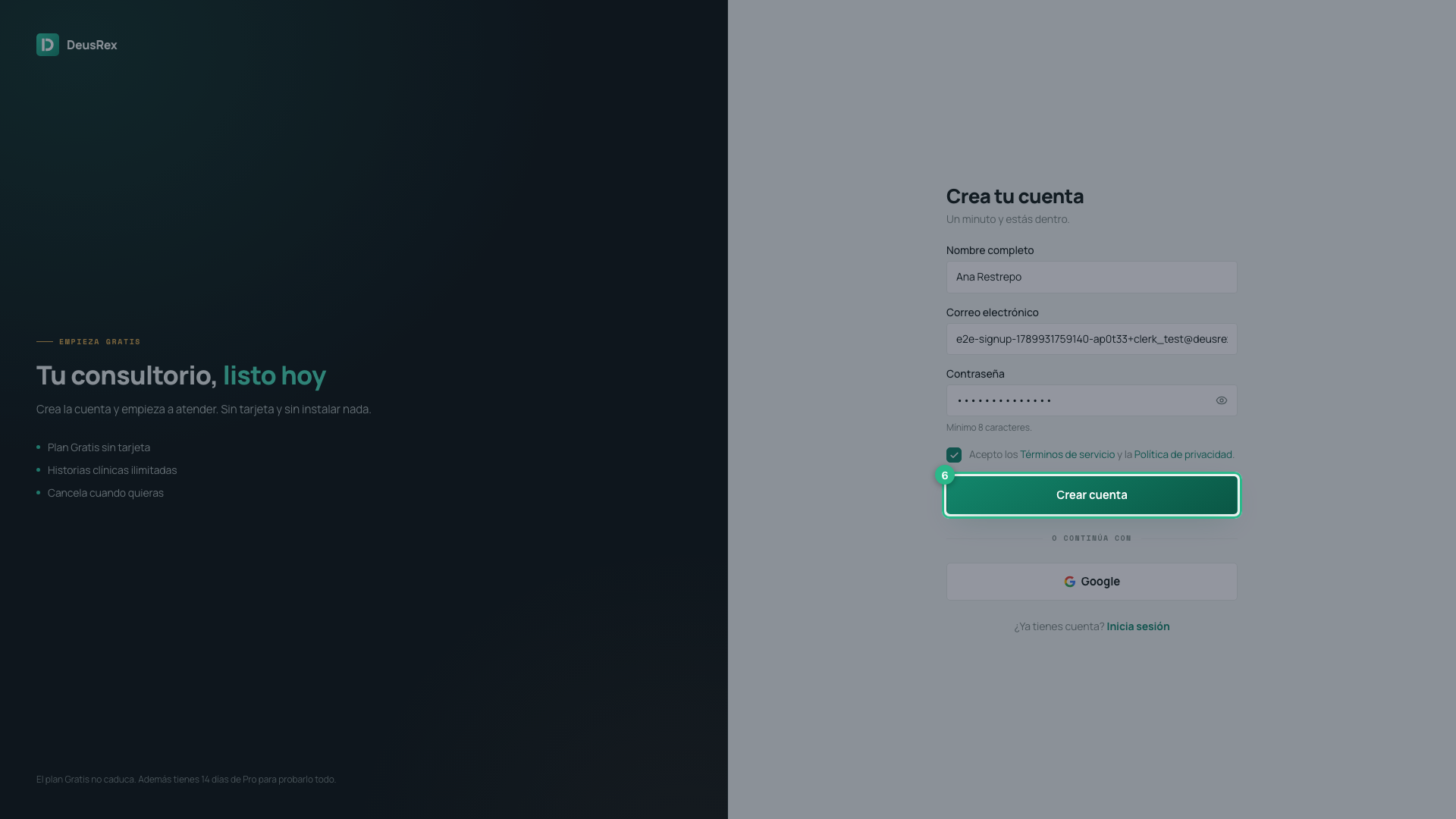
-
Check your email and type the 6-digit code. If it does not arrive, wait 30 seconds and press Resend code.
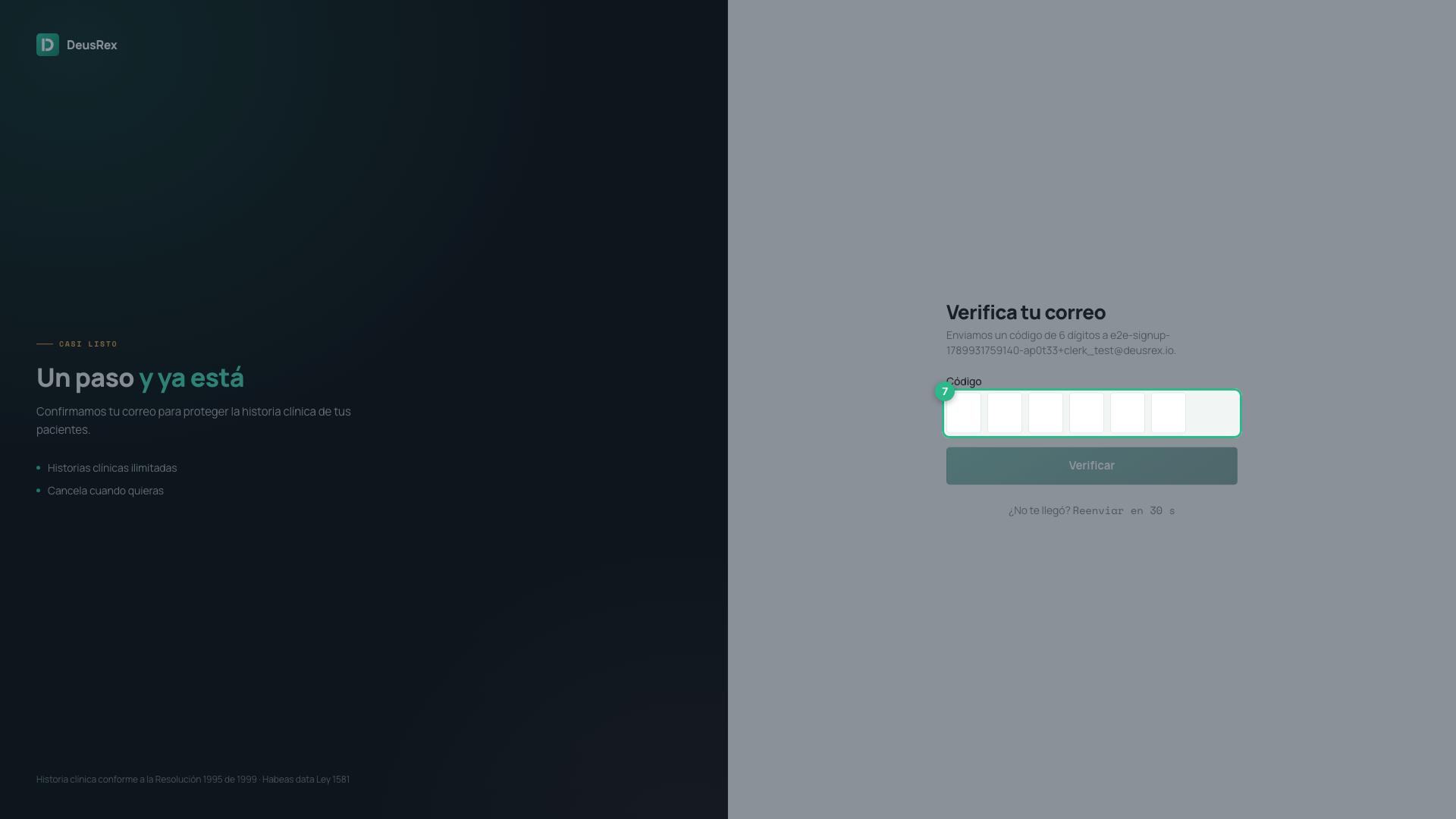
Once the email is verified you enter the setup assistant, which prepares your practice.
With Google
If you prefer, press Google under the form. You choose no password and get no code: Google confirms who you are and you go straight in.
If you were invited
When you arrive through a team invitation link, the screen says Accept the invitation and does not ask for your email — we already know it. You fill in your name and password, and enter the practice that invited you.
If something goes wrong
- “To create the account you need to accept the Terms…” — the box in step 5 is not ticked.
- “Enter your name to create the account” — the name field holds only spaces.
- The code does not arrive — check your spam folder. The resend button becomes available after 30 seconds.
- “An account with that email already exists…” — that email already has an account: sign in with it, or create the account with another email.
- “That password appeared in a data breach…” — it was published after a breach on another site. Choose one you do not use anywhere else.
- “That password is too weak…” — mix letters, numbers and a symbol.
- “That code is not right…” — check the 6 digits in the latest email.
- “That code has expired…” — press Resend and use the new code.
- “Too many attempts…” — wait a moment before trying again.