How to adjust your brand's voice and clinical rules
On this page
Your brand lives in Social Media → Brand (Redes Sociales → Marca). If you don’t have one yet, SarAI builds it with you in a few minutes: see how to build your brand with SarAI. This guide is for what comes next: adjusting how your clinic speaks and what it can never say.
The page shows your brand in four blocks — Voice, Look, Characters and Clinical rules — and next to them, how your content looks with it: a reel, a carousel and a post. Above, a ring shows how much is left before your brand is complete and what comes next.
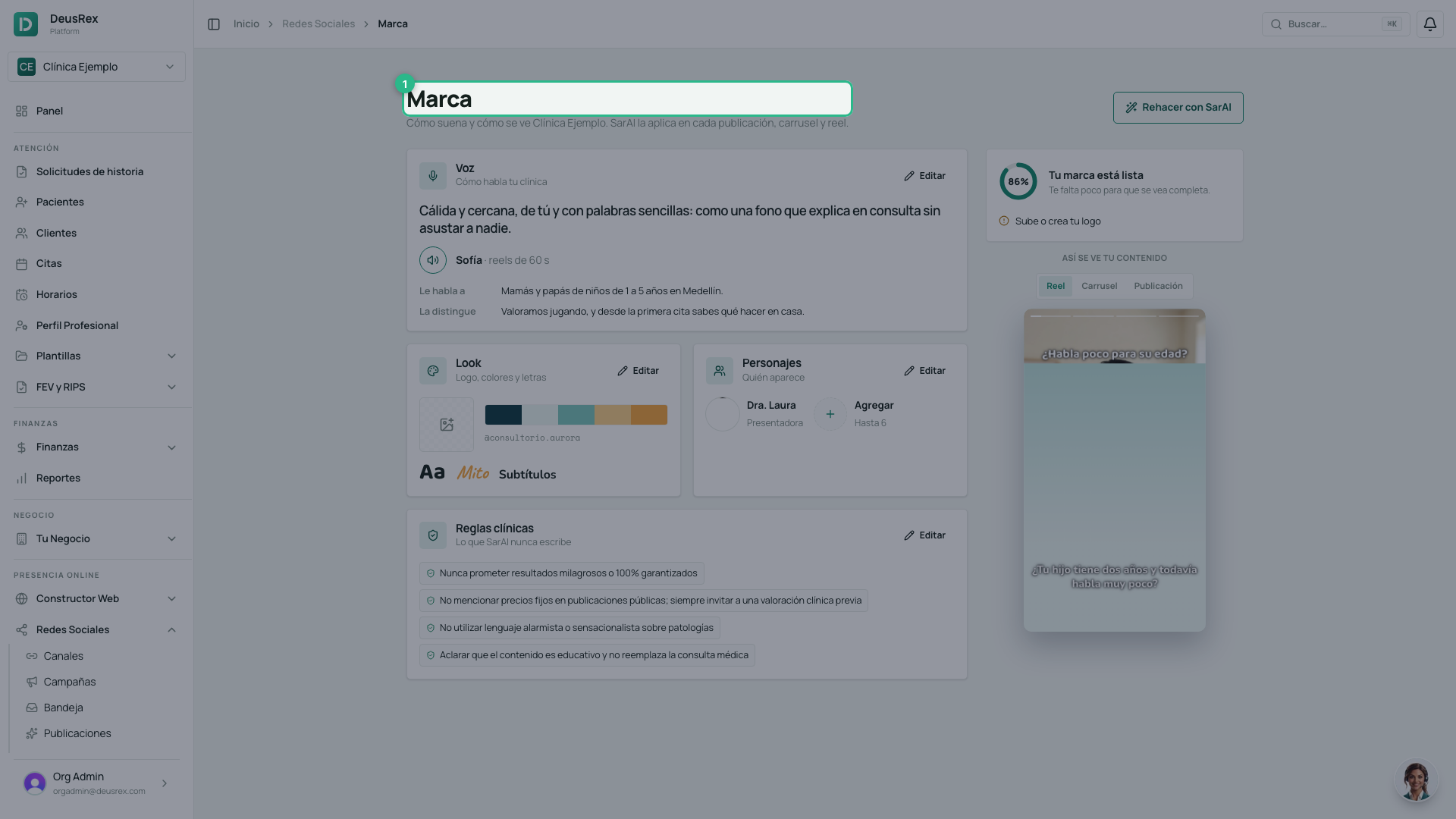
Each block has its own Edit (Editar), which opens a panel just for that part. Saving one block does not touch the others.
Your reels’ voice
In the Voice block, press Edit.
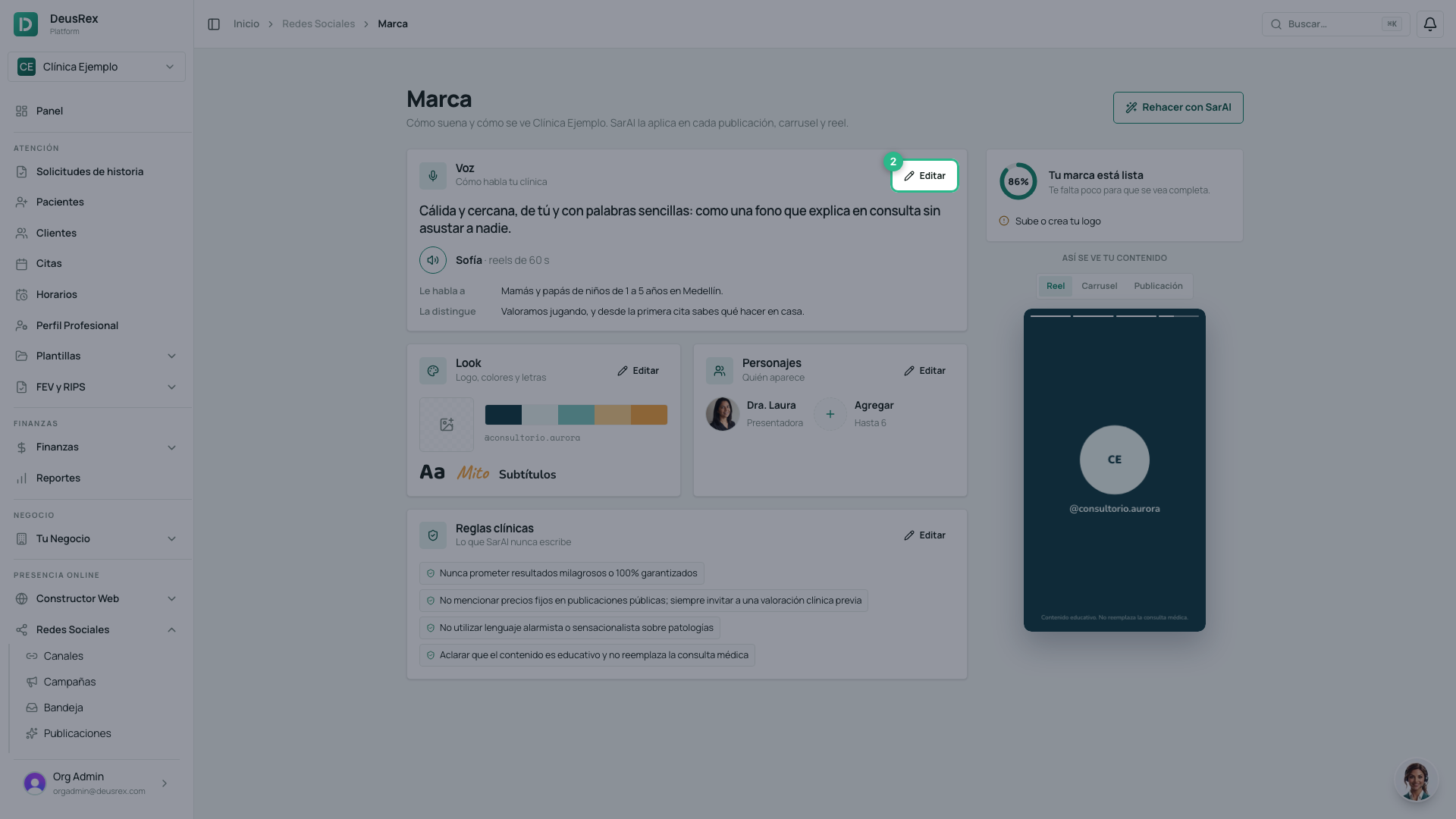
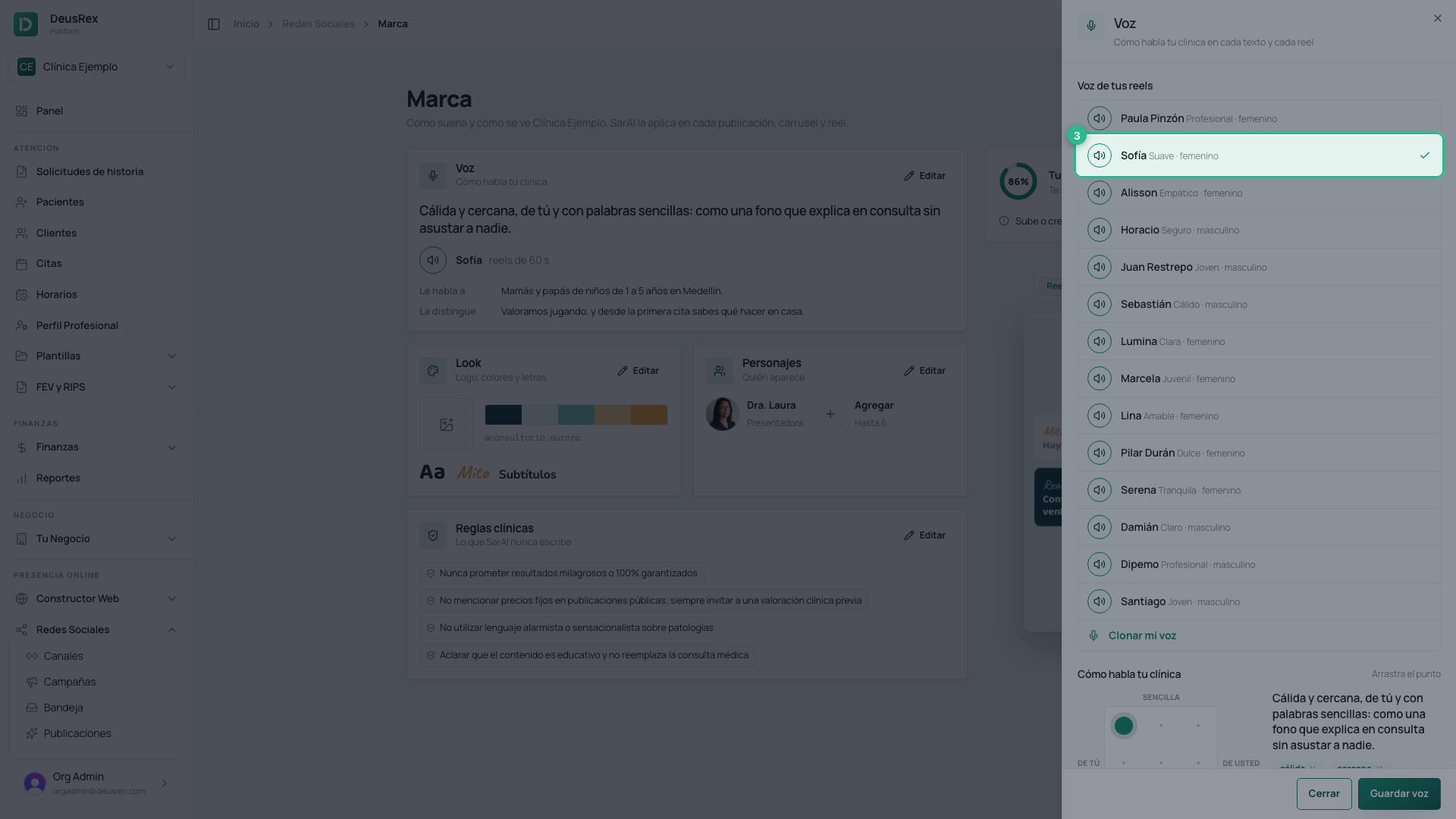
Above is the list of voices. Each one’s round button plays it saying your own clinic’s hook, not a sample sentence: so you choose by hearing your first reel. Tap the row to keep that voice.
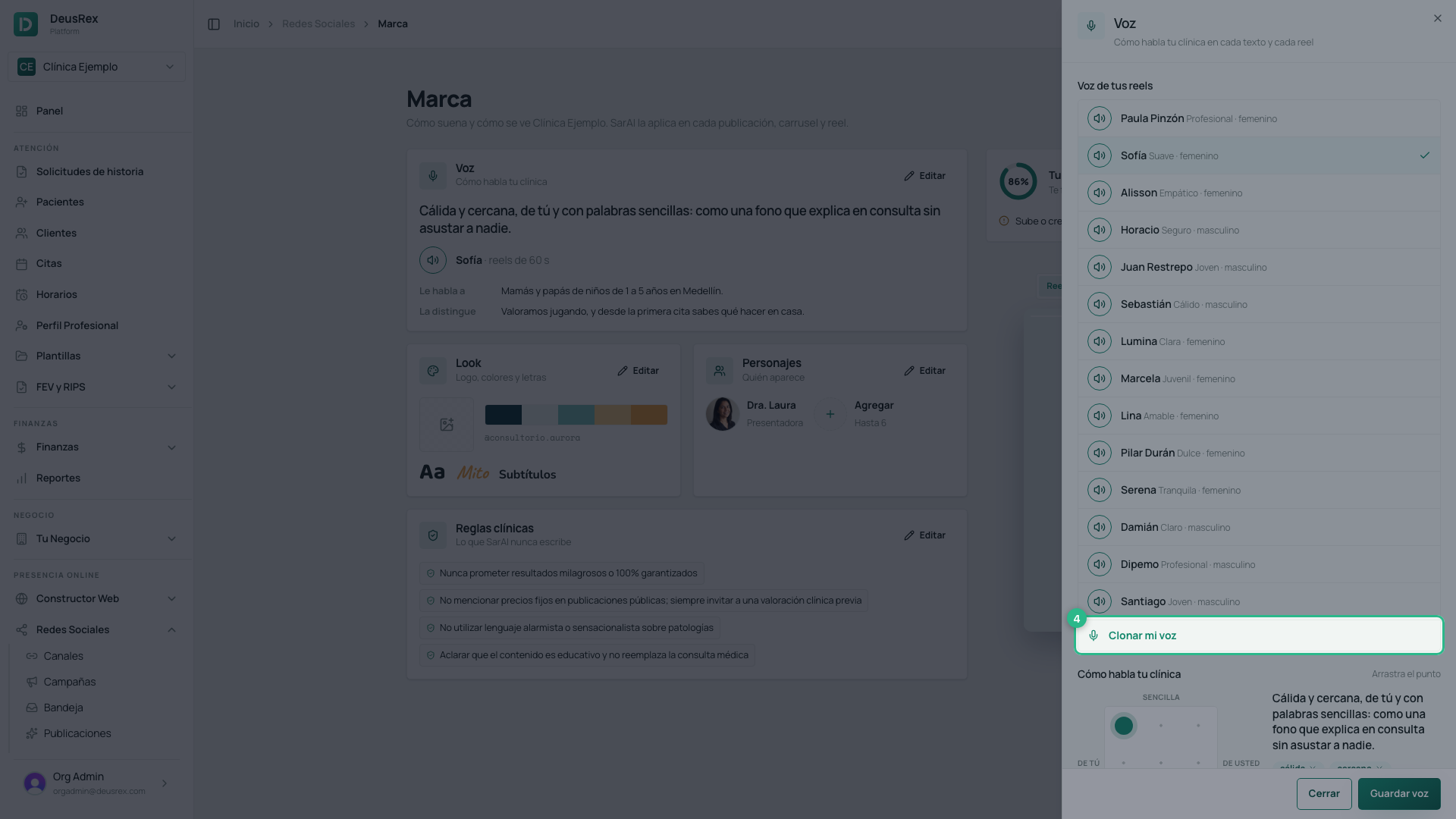
If you would rather your reels sound in your own voice, at the end of the list is Clone my voice (Clonar mi voz). Record (or upload) about two minutes of yourself speaking as you would in a consultation and accept the authorization: it is your voice, you authorize it only for your clinic’s marketing content, and you can revoke it whenever you want.
- Only the person who owns the voice can clone it: it is recorded with your user, the date and the text you accepted.
- The recording is deleted as soon as the voice is created.
- Your voice appears in the list marked Cloned (Clonada). To stop using it, press Revoke (Revocar): it is deleted from the provider immediately and your reels go back to a library voice.
- If you leave the clinic’s team, your voice is revoked for you, as if you had pressed Revoke.
How your clinic speaks
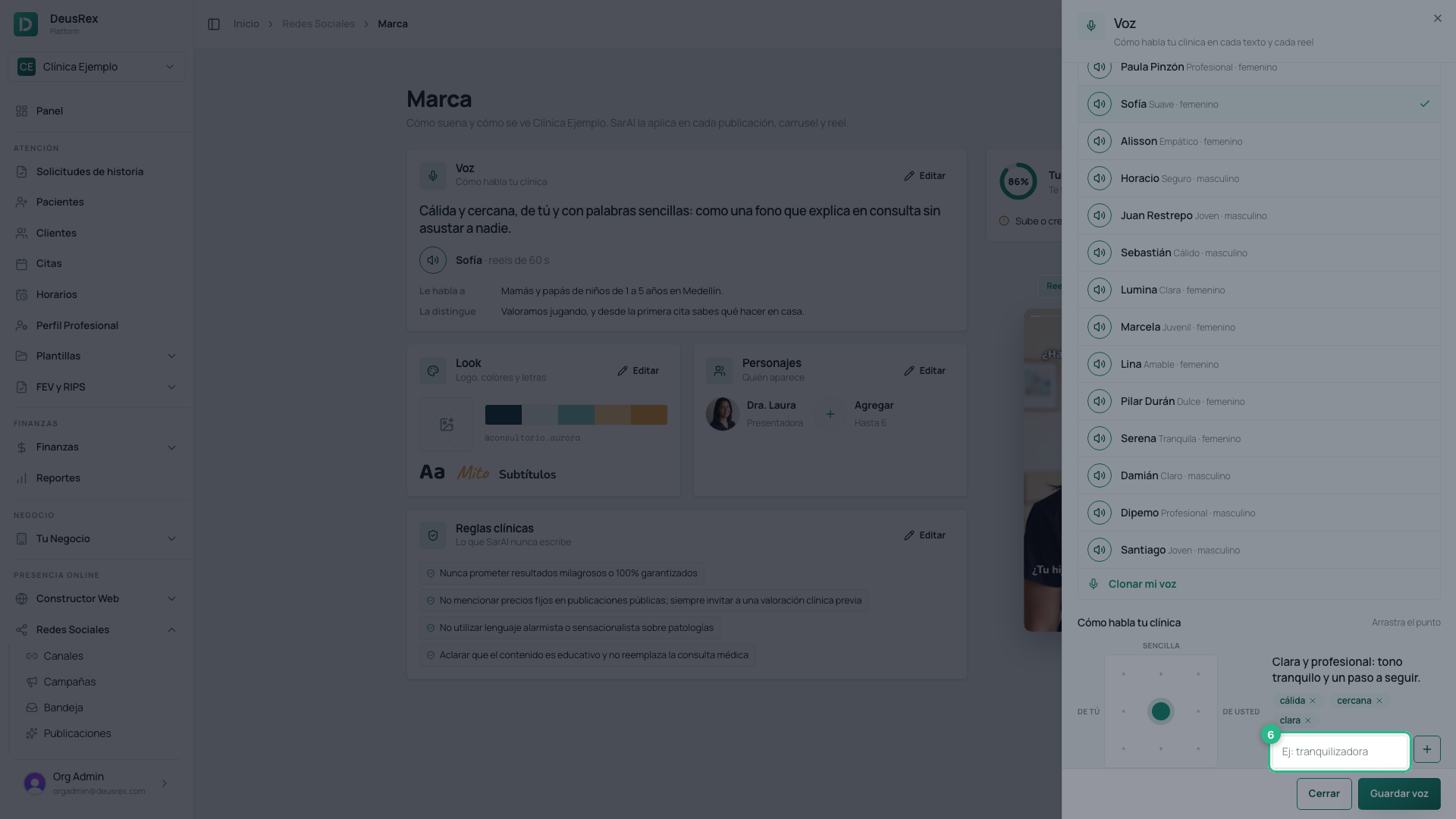
The tone is a point you move on a grid: on the left you speak with tú, on the right with usted; up top, in plain words, and lower down, more technical. As you move it, the sentence next to it changes: it is exactly what SarAI reads every time it writes for you. If you built your brand with SarAI, every position already has its sentence written for your clinic.
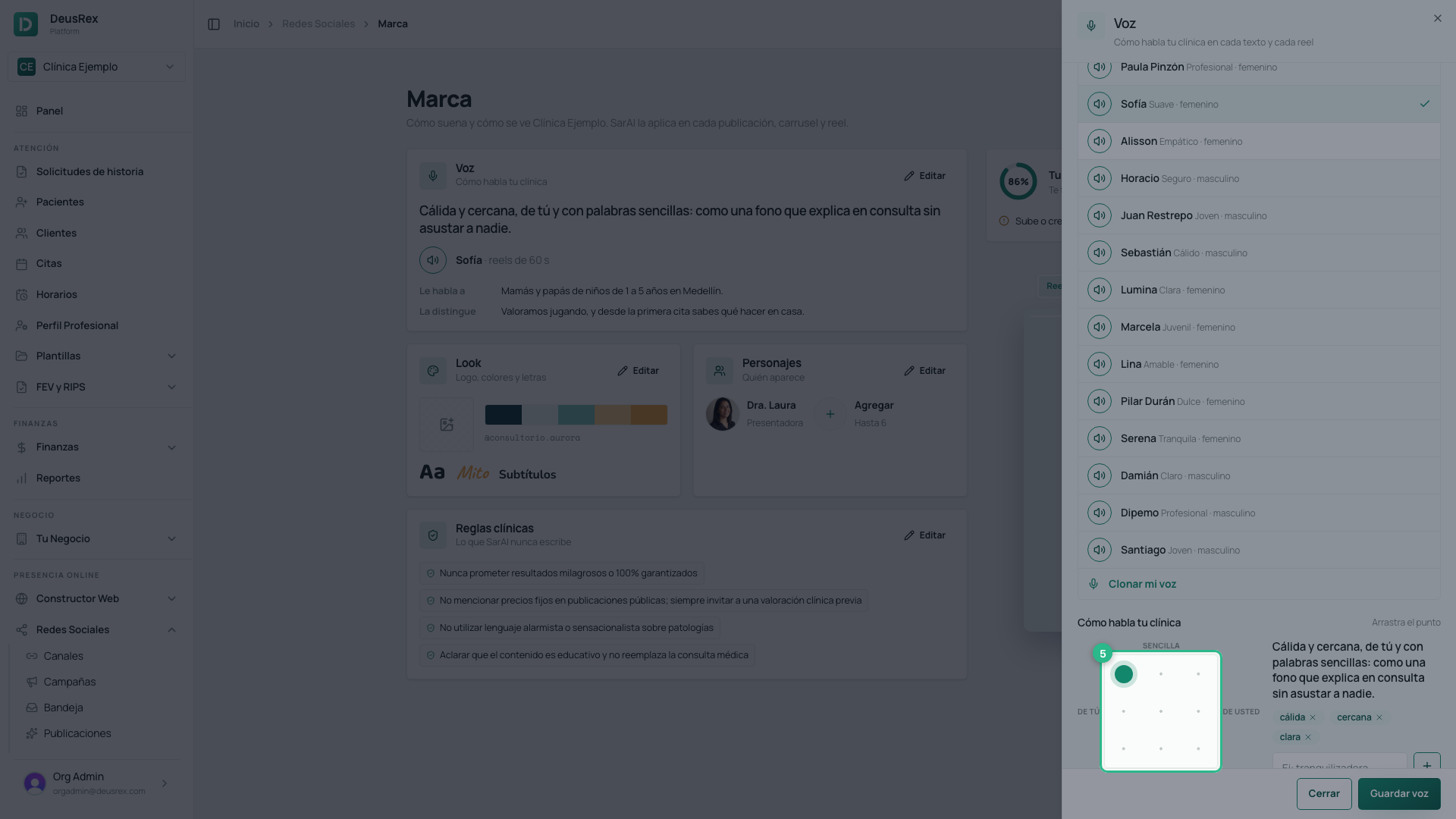
Below are the feelings (sentimientos) your content conveys. Remove one with its ×, or type another and press + (up to six).
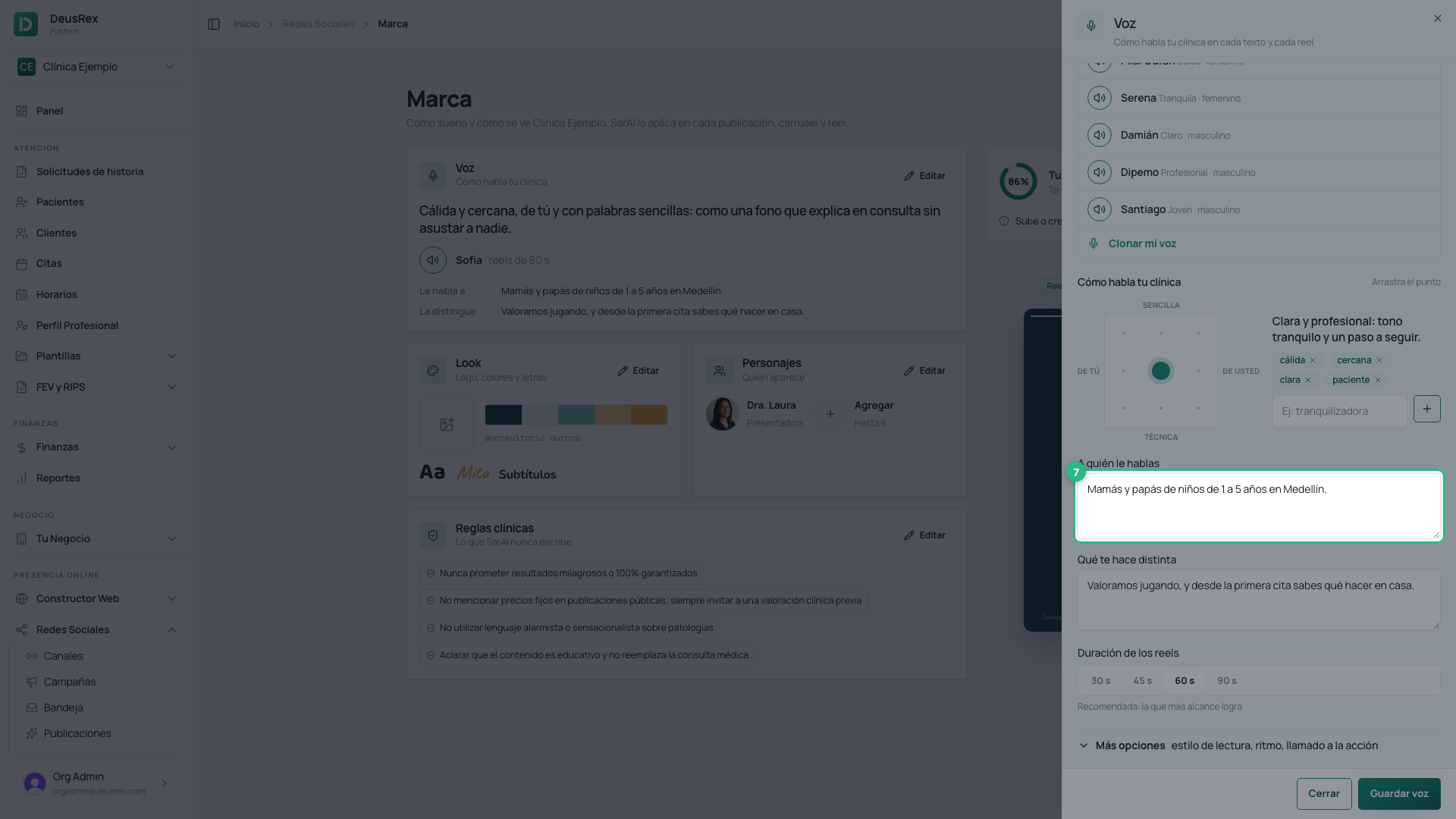
Who you’re talking to
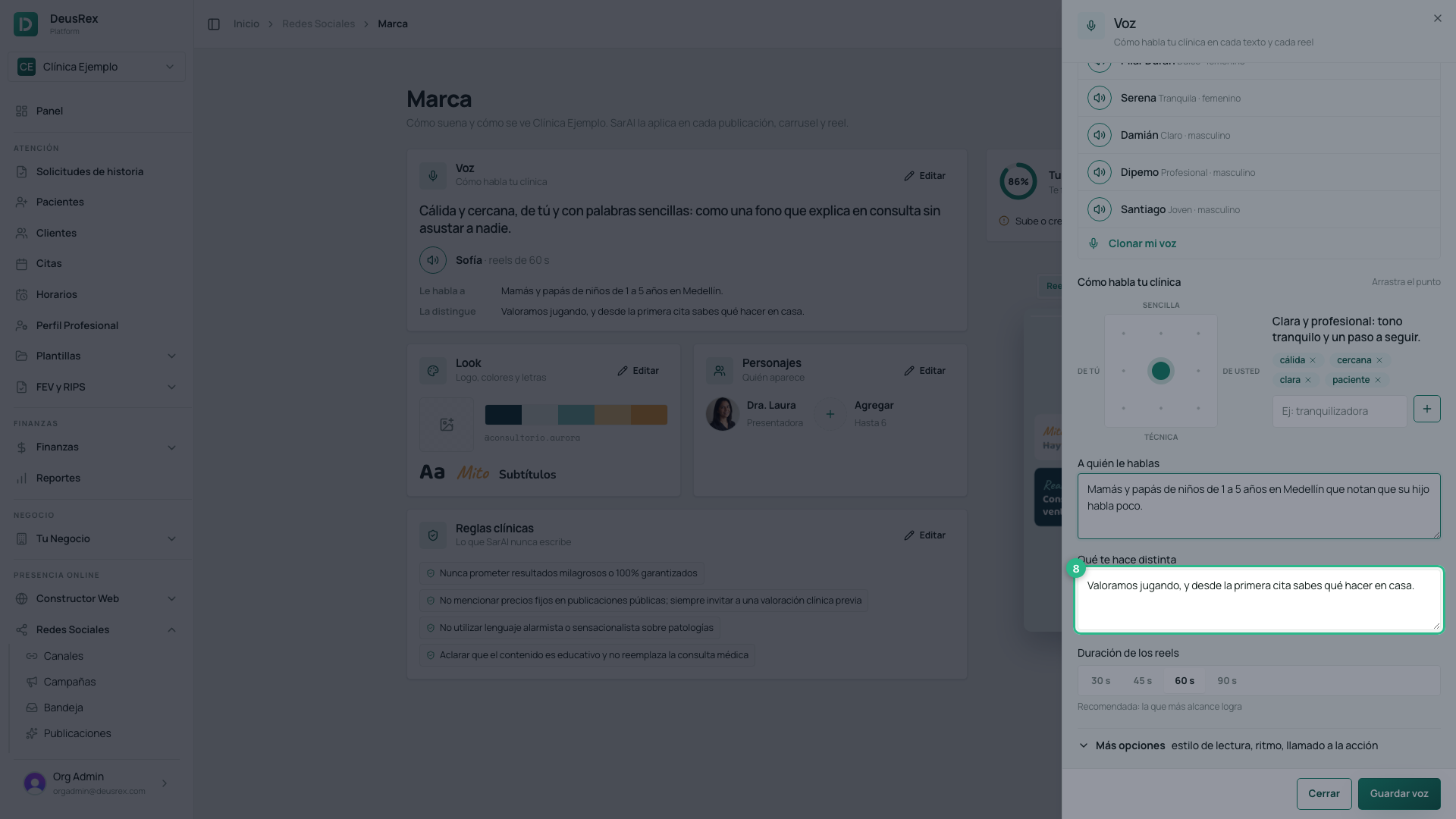
Who you’re talking to (A quién le hablas) and What makes you different (Qué te hace distinta) are the two fields that change the result the most. Be specific: “moms and dads of children aged 1 to 5 in Medellín who notice their child speaks little” produces very different posts than “patients in general”.
How long your reels last and how they sound
Reel length (Duración de los reels) decides how many seconds SarAI writes each script for: 30, 45, 60 or 90. Between 45 and 60 seconds is where educational reels reach the most people; 60 is the recommended one.
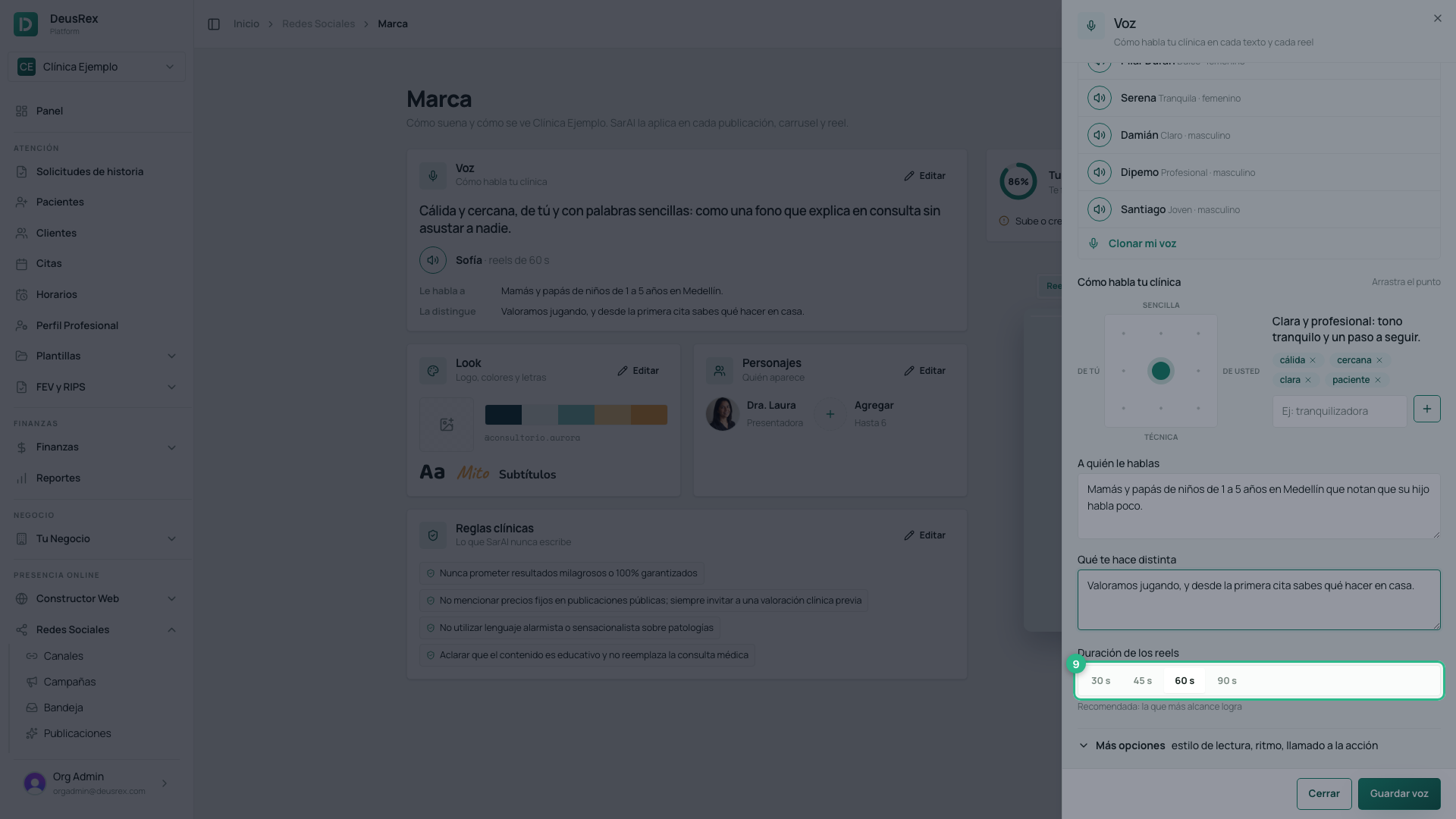
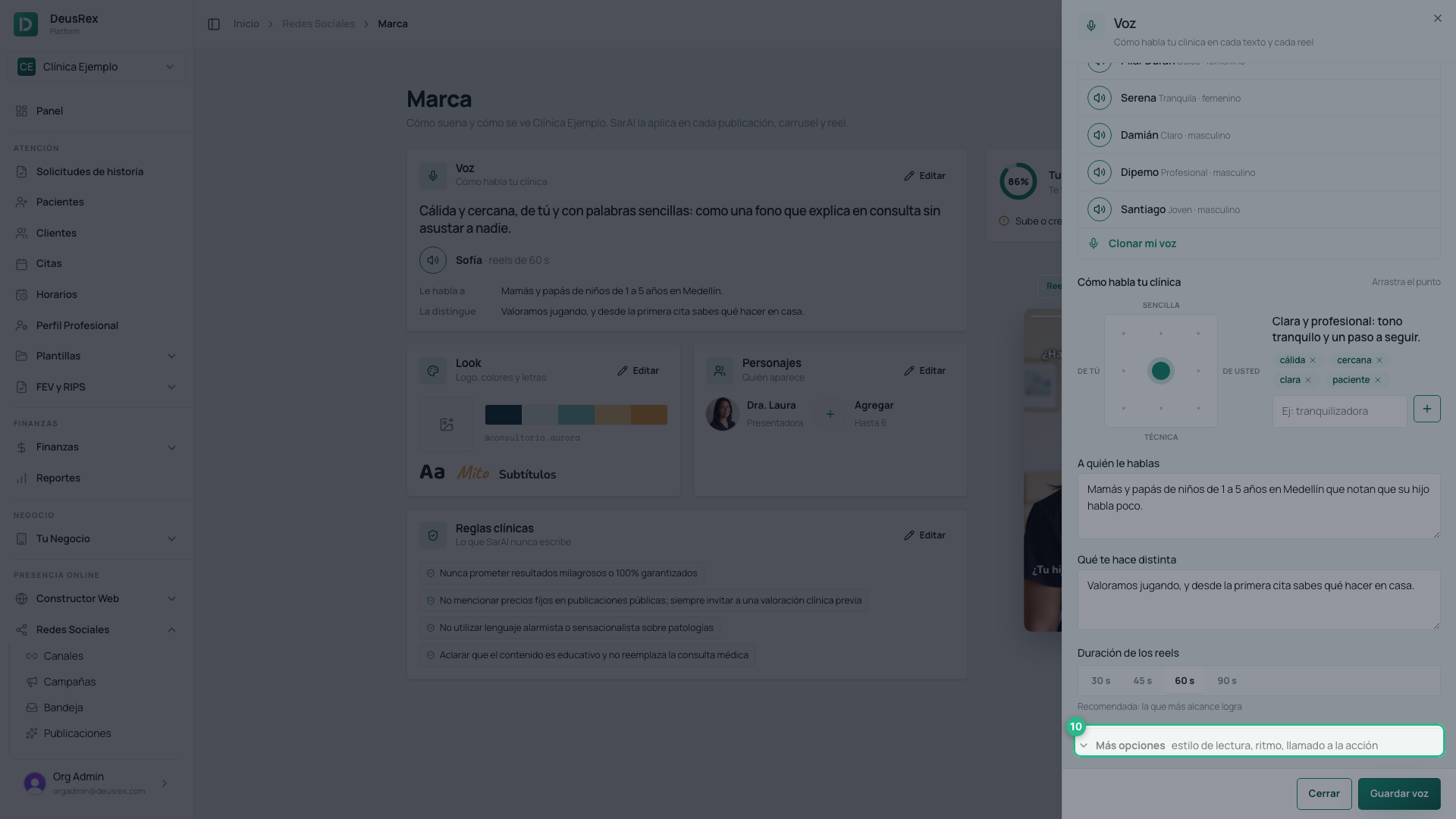
Under More options (Más opciones) there are three more settings:
- Reading style (Estilo de lectura): Expressive varies the intonation in every reel, Natural sits in between, and Stable keeps it almost identical across all your videos.
- Pace (Ritmo): Slow, Normal or Brisk. With Brisk, more script fits in the same length.
- Call to action (Llamado a la acción): what your reels ask the patient to do at the end.
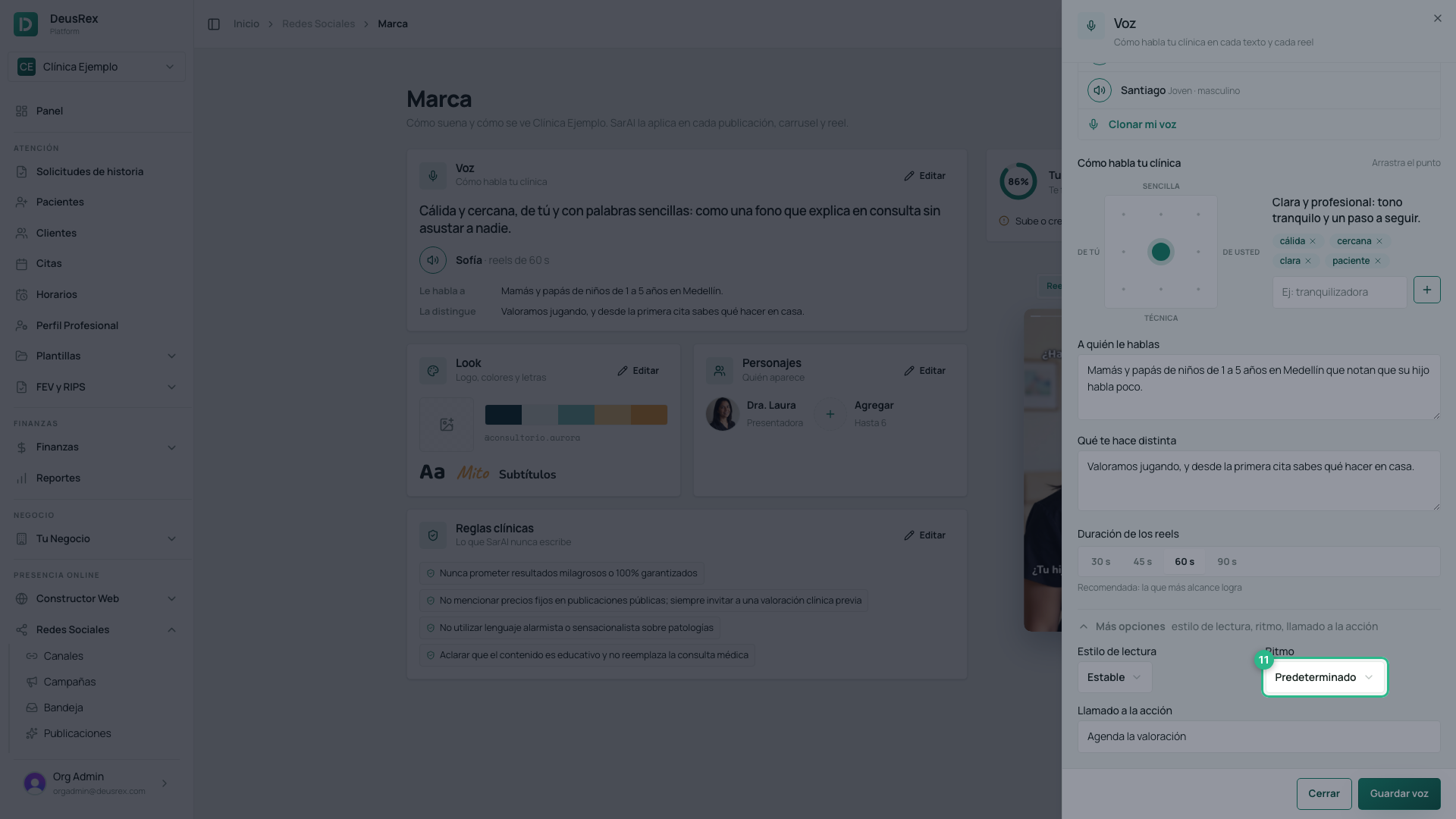
Press Save voice (Guardar voz). It applies from your next post onward, and does not change anything else in your brand.

The rules SarAI can never break
The Clinical rules (Reglas clínicas) are constraints: SarAI checks every draft against them and rewrites it if one is broken. They are the most important control on your brand, because they protect your professional responsibility.
Your clinic starts with four rules already in place — no promising miracle results, no posting fixed prices, no alarmist language, and stating that the content is educational. On top of that, every reel script always carries some limits that do not depend on you: no guaranteed results, no promoting prescription drugs, and no testimonials without written consent.
In the Clinical rules block, press Edit.
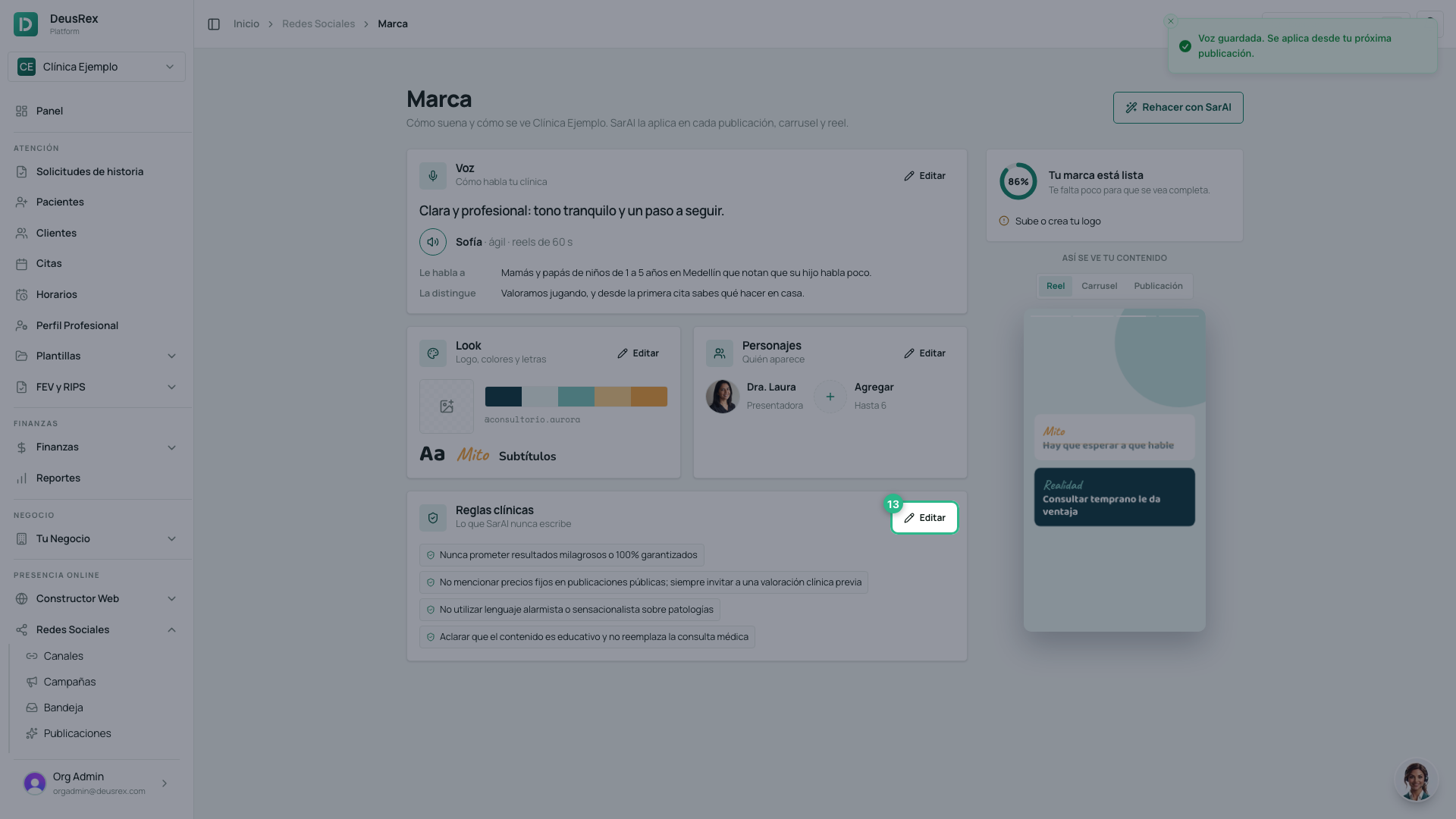
To add your own rule, write it and press Add (Añadir).
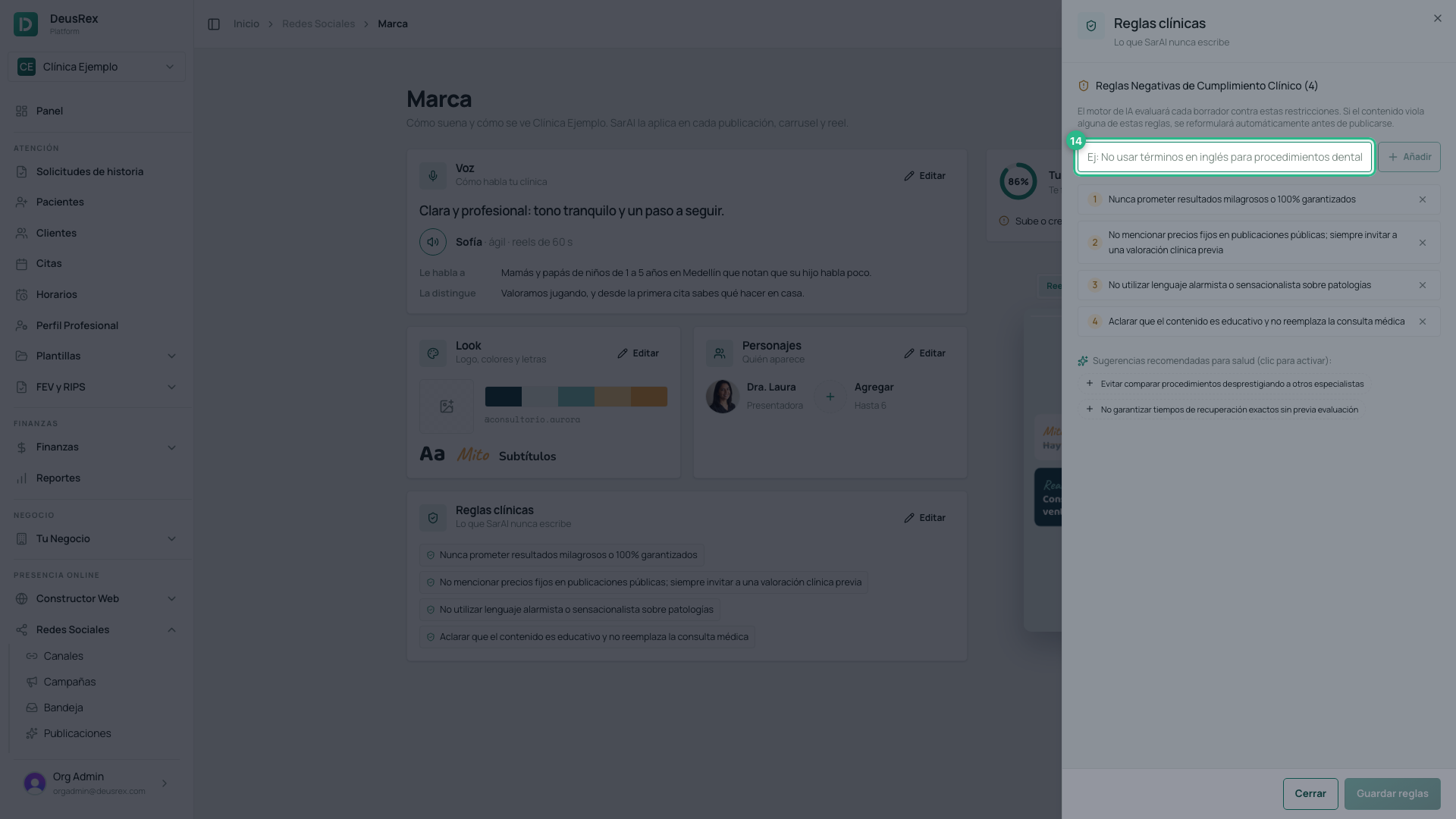
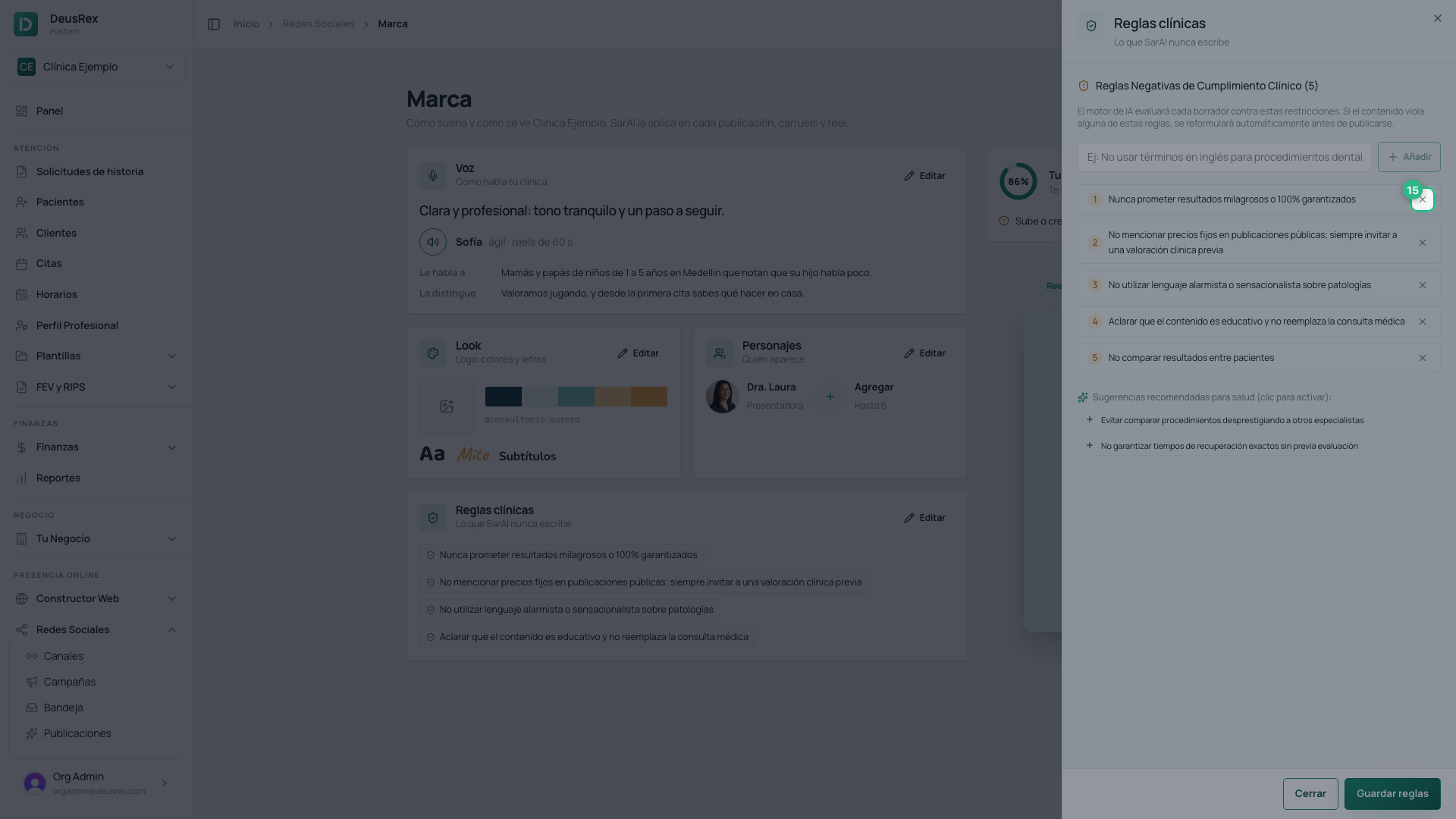
To remove one that doesn’t apply to your specialty, use the bin on its row.
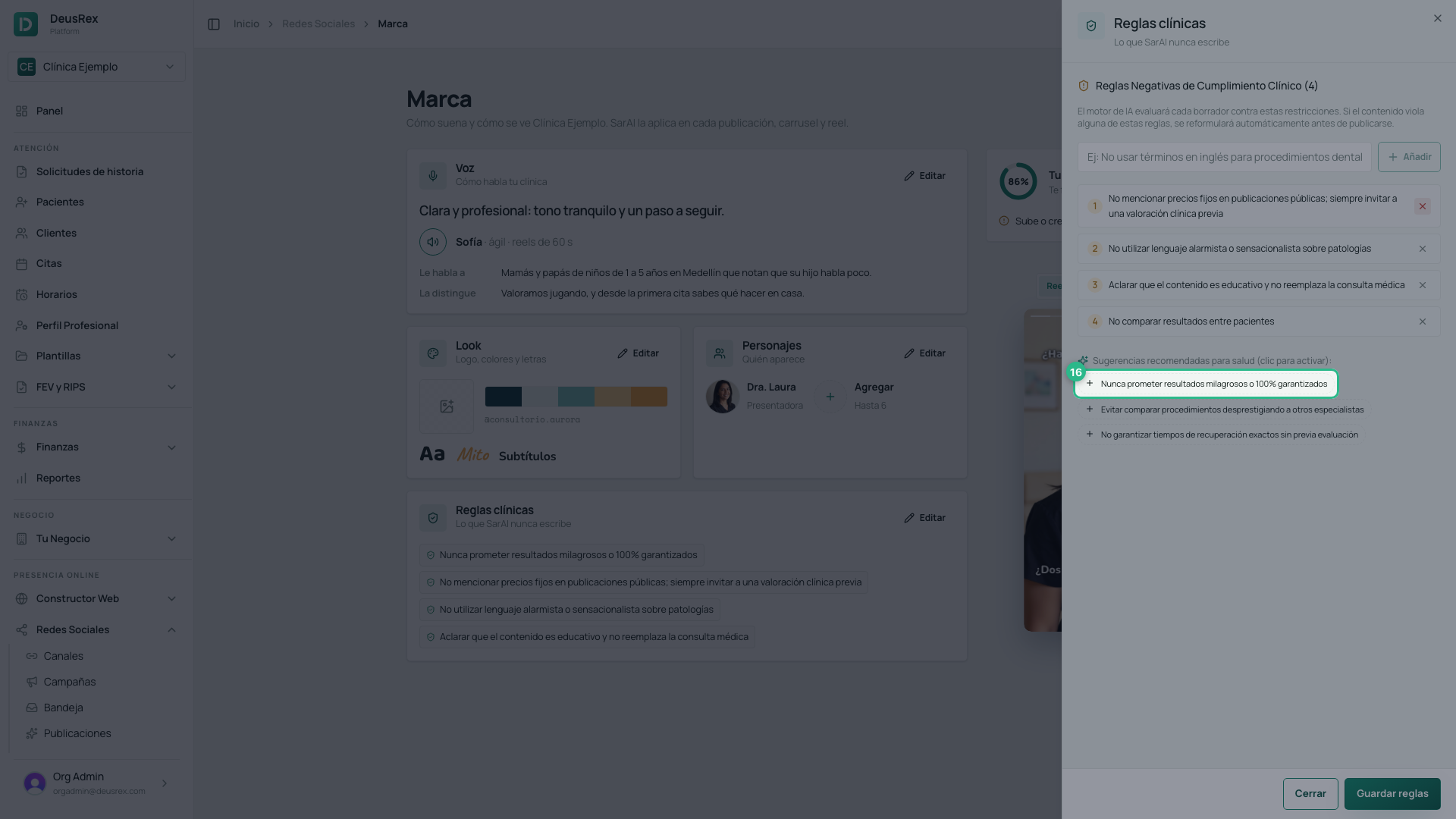
Below the list are suggestions for healthcare (sugerencias para salud). It only shows rules you don’t have yet: if you delete one of yours, it reappears there, and tapping it puts it back in the list.
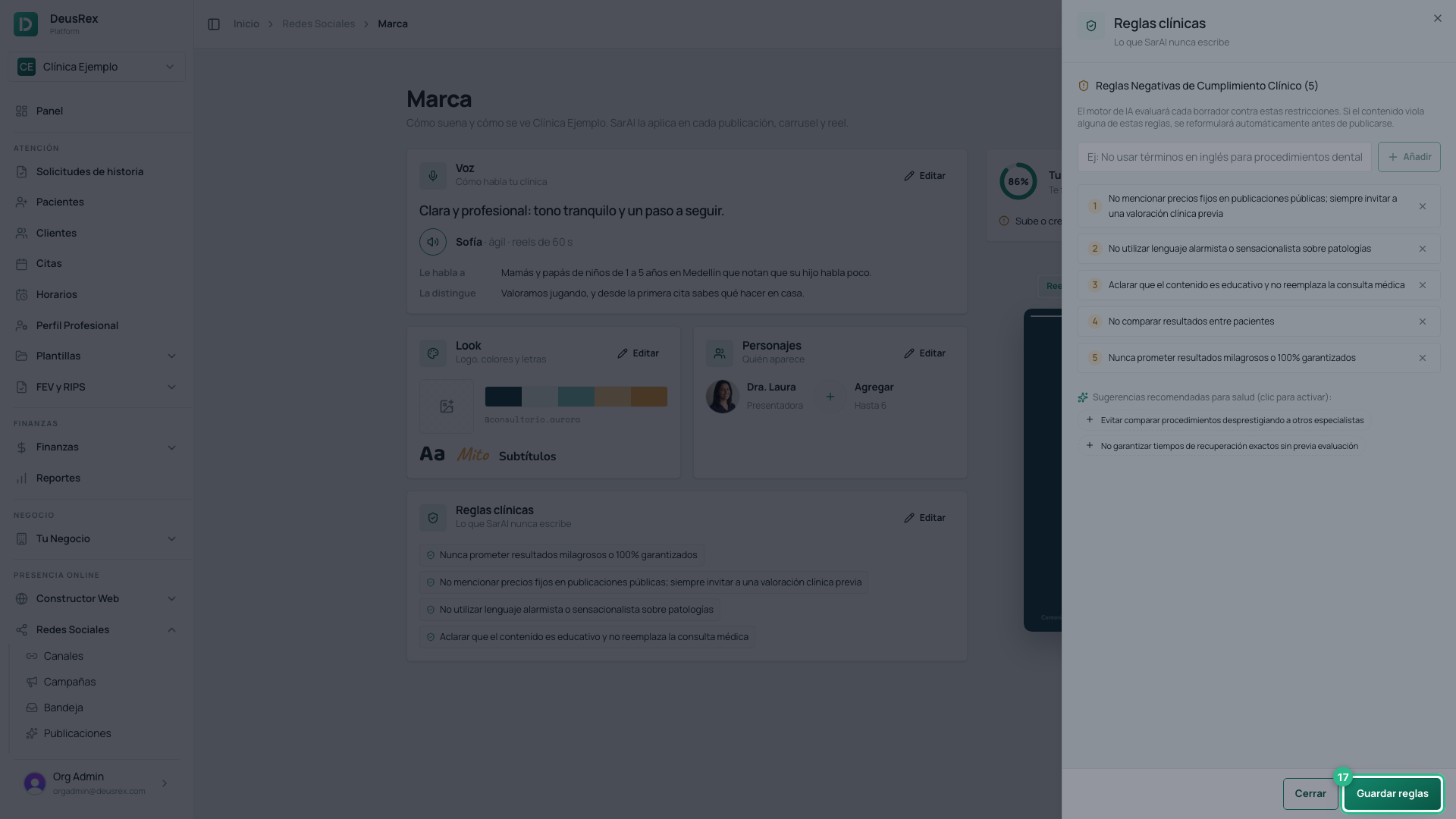
Press Save rules (Guardar reglas). Every post and every reel SarAI writes from that moment on follows them.
Tip
Rules work best when they are checkable. “Never promise guaranteed results” is a rule SarAI can follow; “be professional” tells it nothing it didn’t already assume.