How to request a copy of your medical record
Your medical record is delivered on request. There is no direct download button: you ask, a professional on the team authorises it, and then you download it.
That is what Resolución 1995 de 1999, article 13 establishes. A mental-health practice takes it literally, because what the record holds is sensitive.
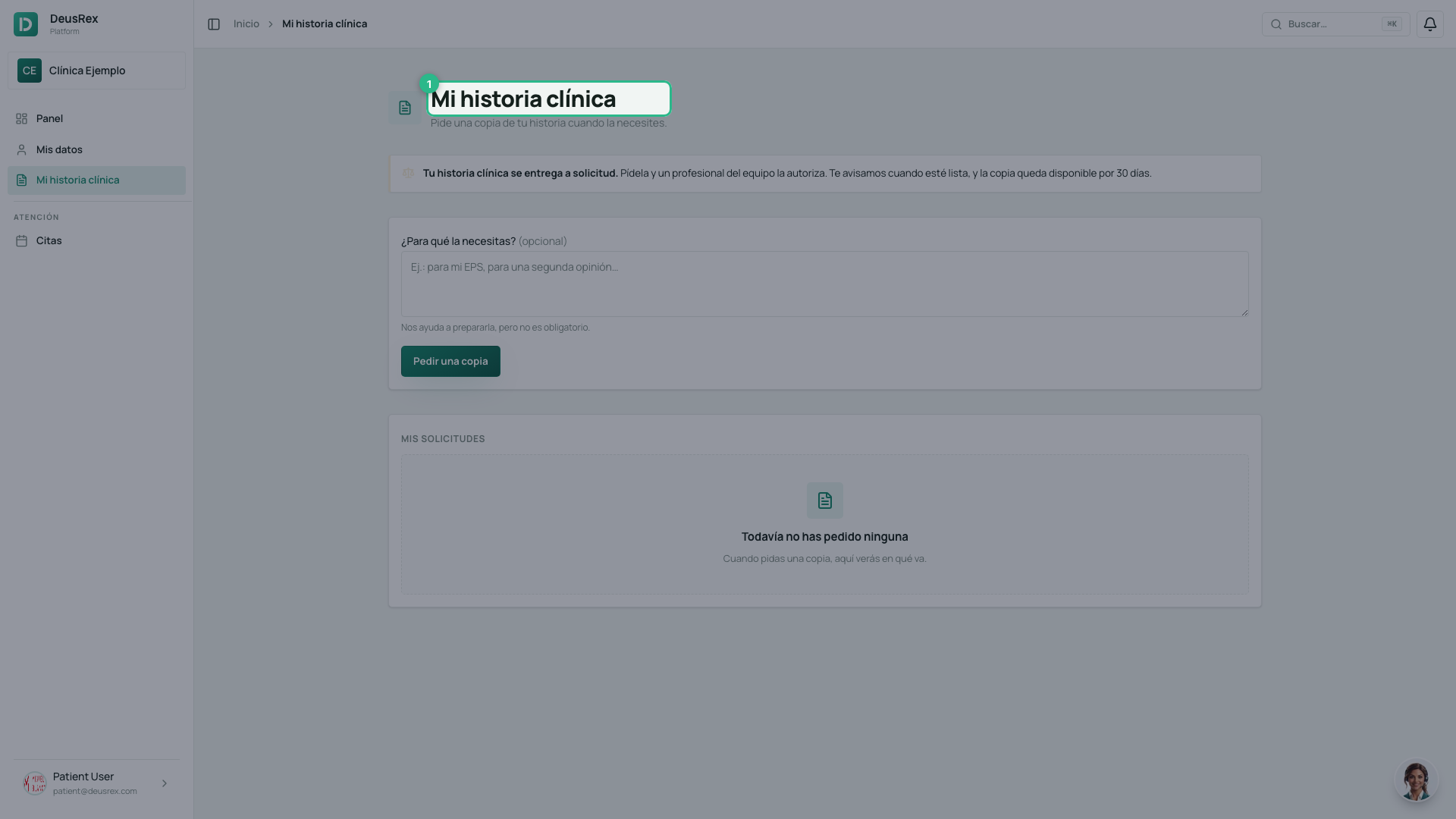
Ask for your copy
- Open Mi historia clínica from the menu.
- If you like, say what you need it for — your EPS, or a second opinion. It is optional, and only helps the team prepare it.
- Press Pedir una copia.
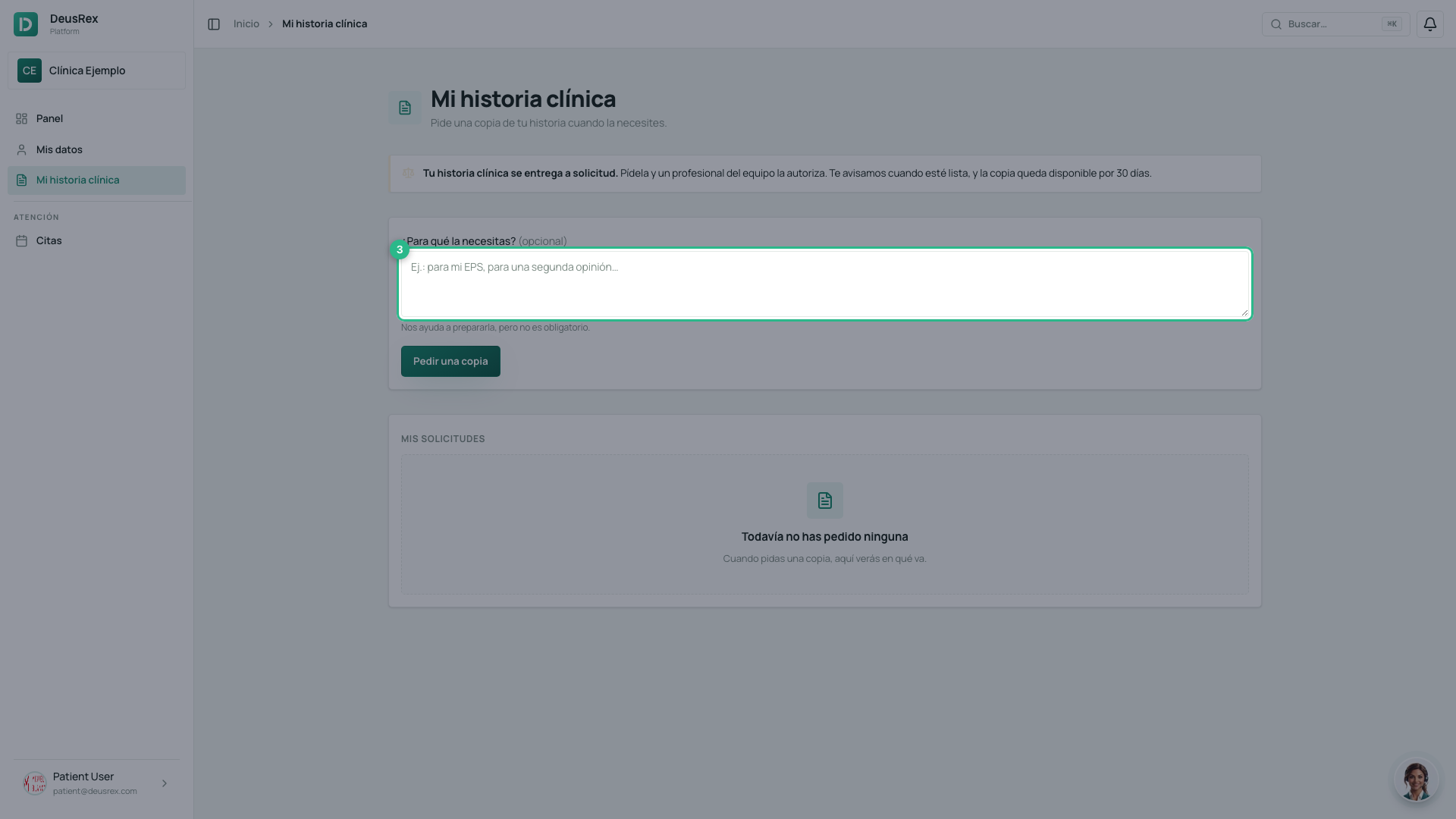
One request at a time
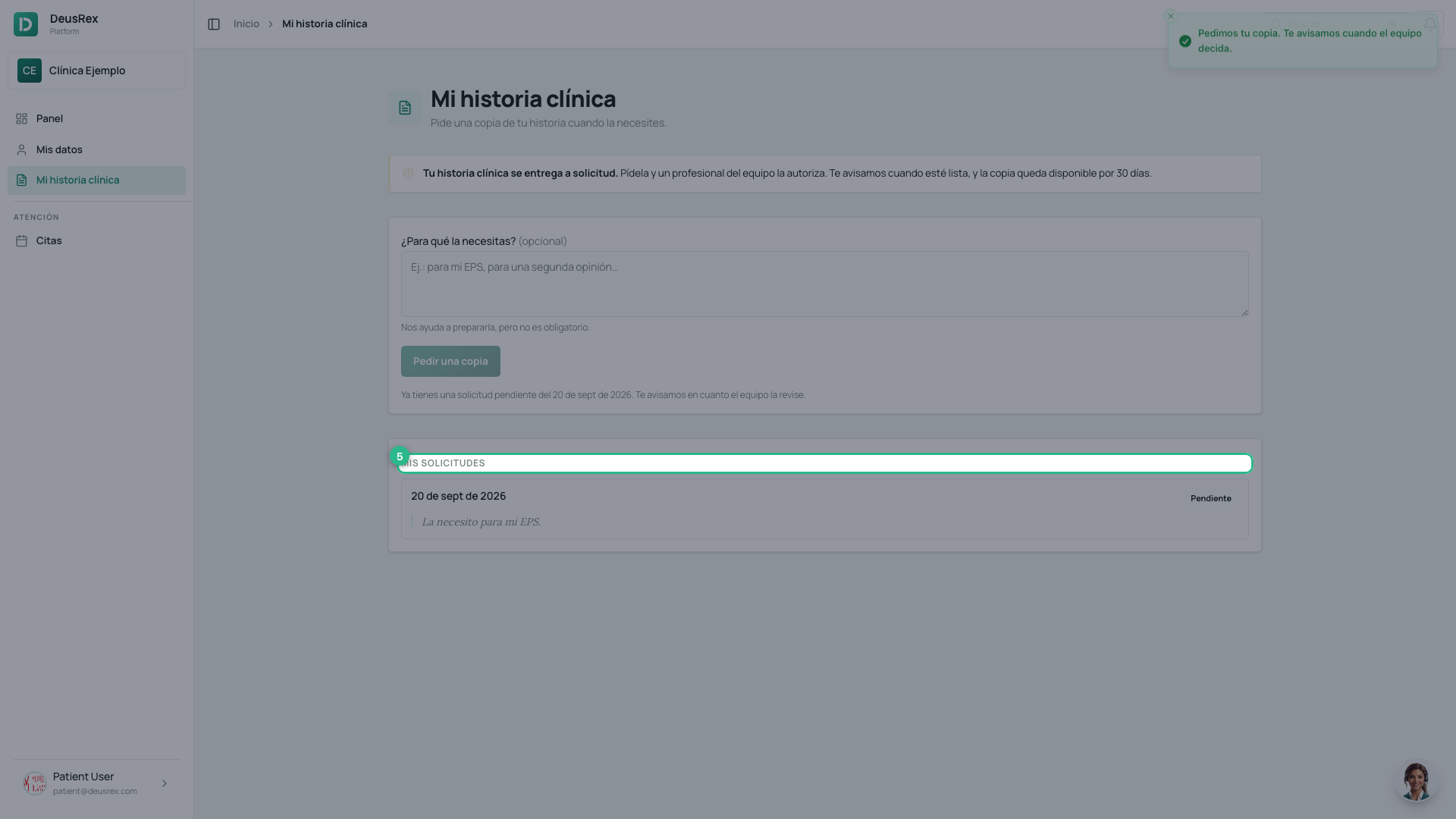
While your request is pending the button stays off and you see the date you asked. Asking again does not speed it up, and a queue holding four copies of the same request is a queue the team stops reading.
Follow the status
Mis solicitudes shows each request and where it got to:
| Status | What it means |
|---|---|
| Pendiente | The team has not reviewed it yet |
| Aprobada | You can download your copy |
| Entregada | You already downloaded it |
| Rechazada | The team explains why in the same row |
Once it is approved
You will see an authorisation receipt: who authorised it, when, and how long it is valid. The button to download the PDF sits below it.
The copy stays available for 30 days, and the authorisation is used once. If you need another copy later, ask again.