How to capture an informed consent
An informed consent records that the patient agreed to something: a procedure, or the processing of their personal data.
The data authorisation, with no consultation open
A patient arriving at the front desk does not have a consultation yet, and their data-processing authorisation (Ley 1581) cannot wait for one: it is what allows their data to be stored at all.
That is why this route needs no consultation, and an assistant can walk it.
- Open the patient and go to the Documentos tab.
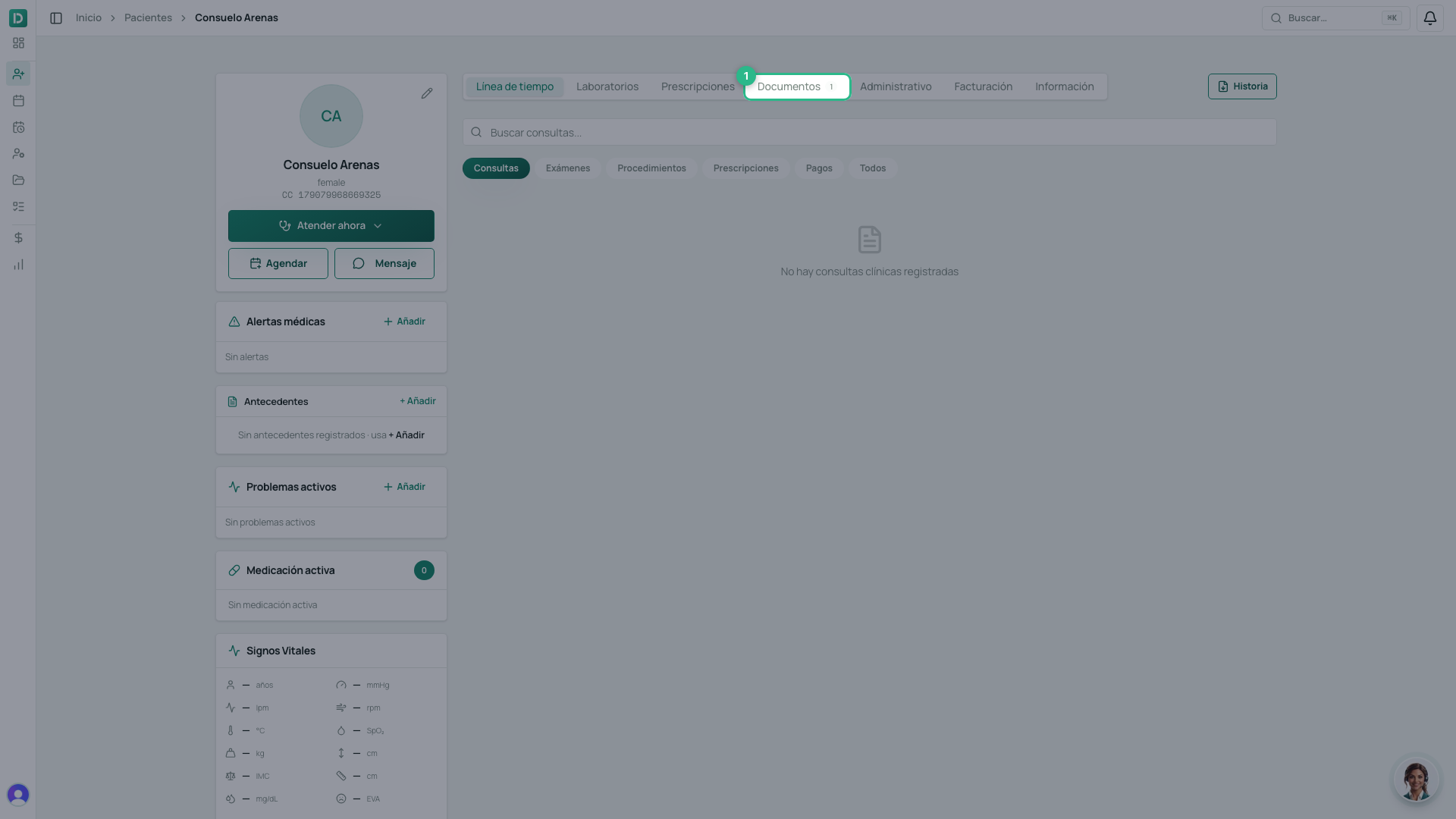
- Scroll down to Consentimientos informados.
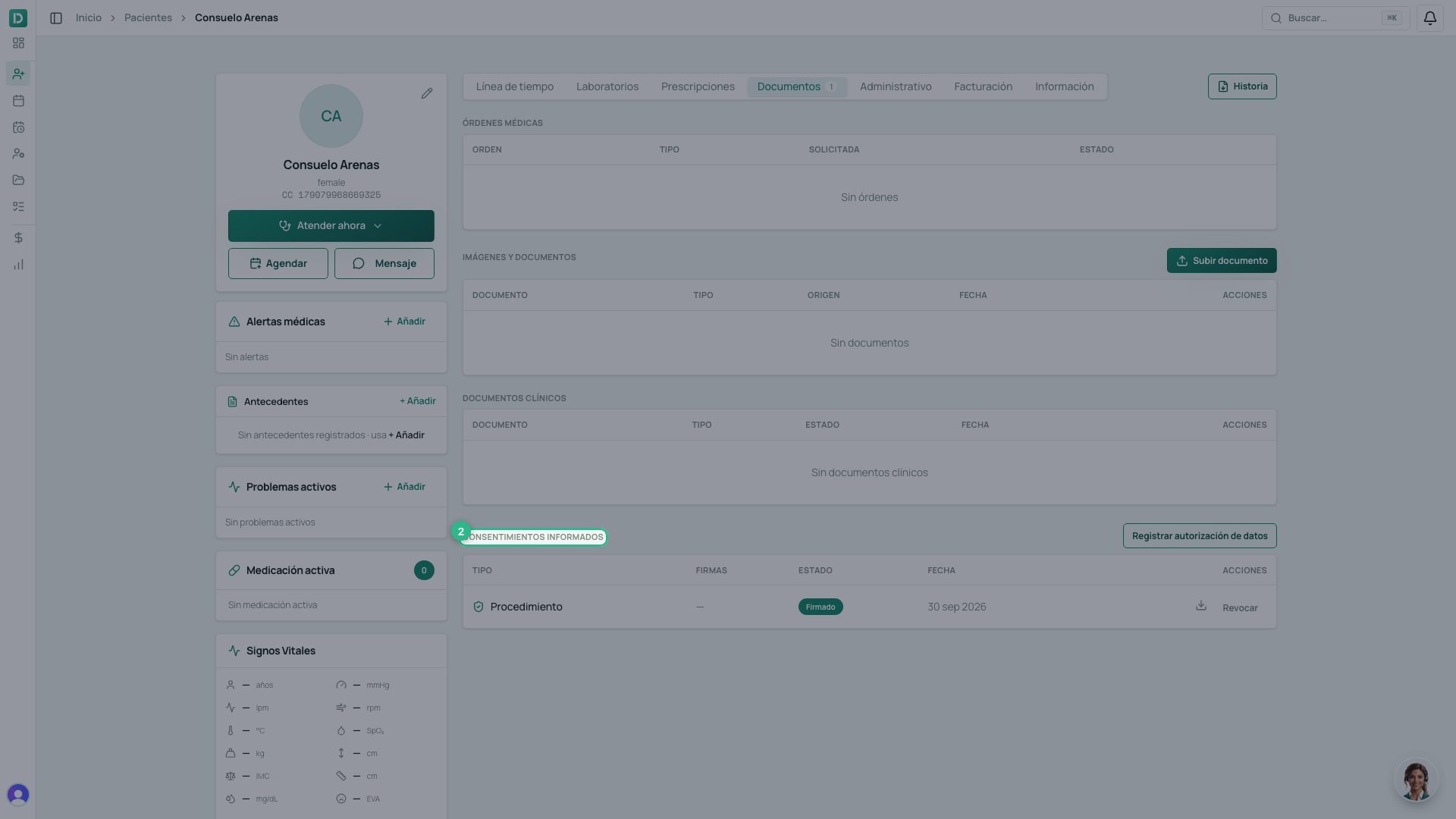
- Click Registrar autorización de datos. One click: there is no form.
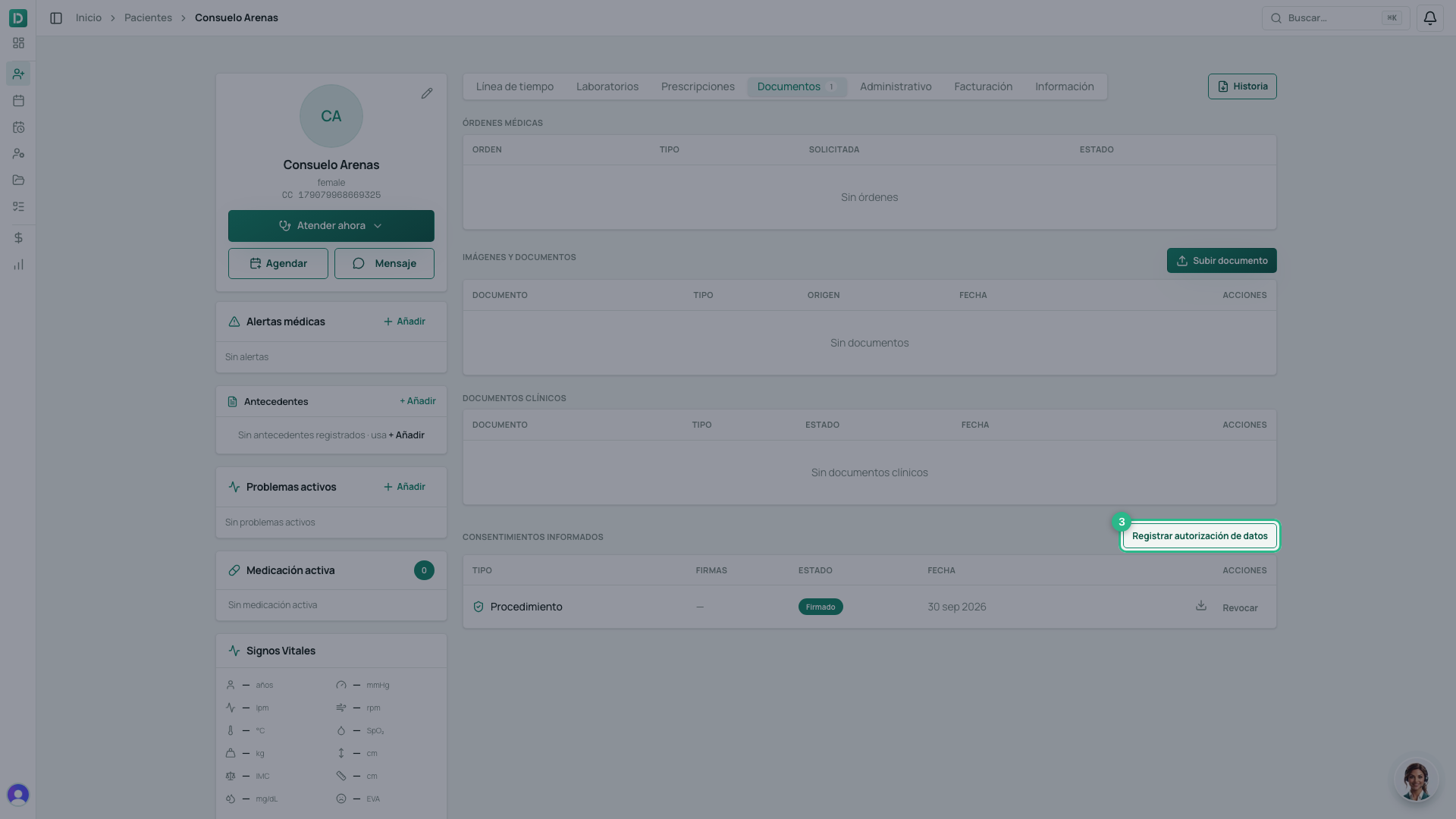
⚠️ The document is created, but it does not authorise anything yet: it is born as a draft, unsigned. The authorisation exists when the data subject signs — on screen, or through the link you can send them. Until then it is a blank page with their name on it.
Revoking
In Documentos, every signed consent has Revocar.
- Click Revocar on the consent’s row.
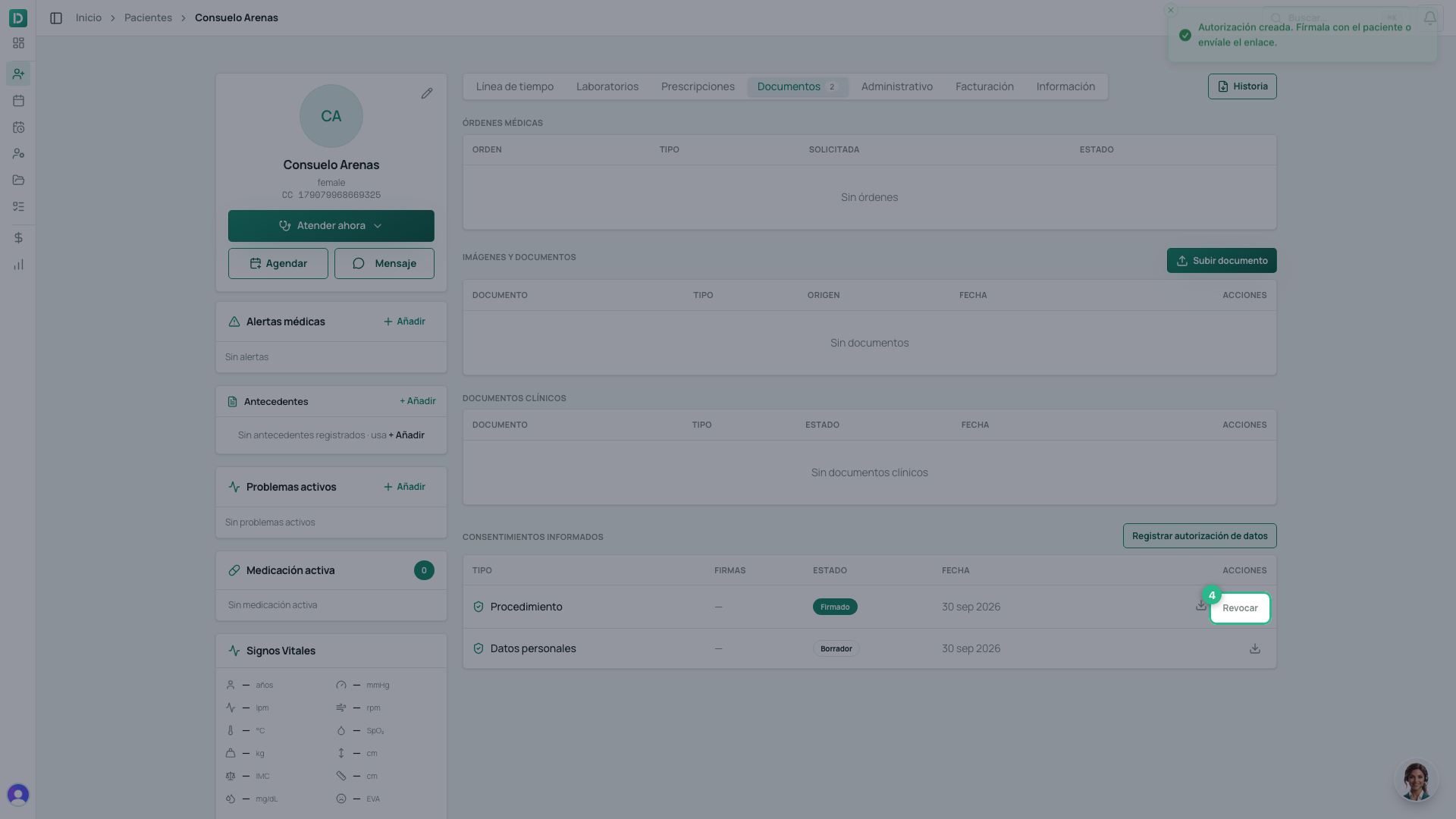
- Confirm.
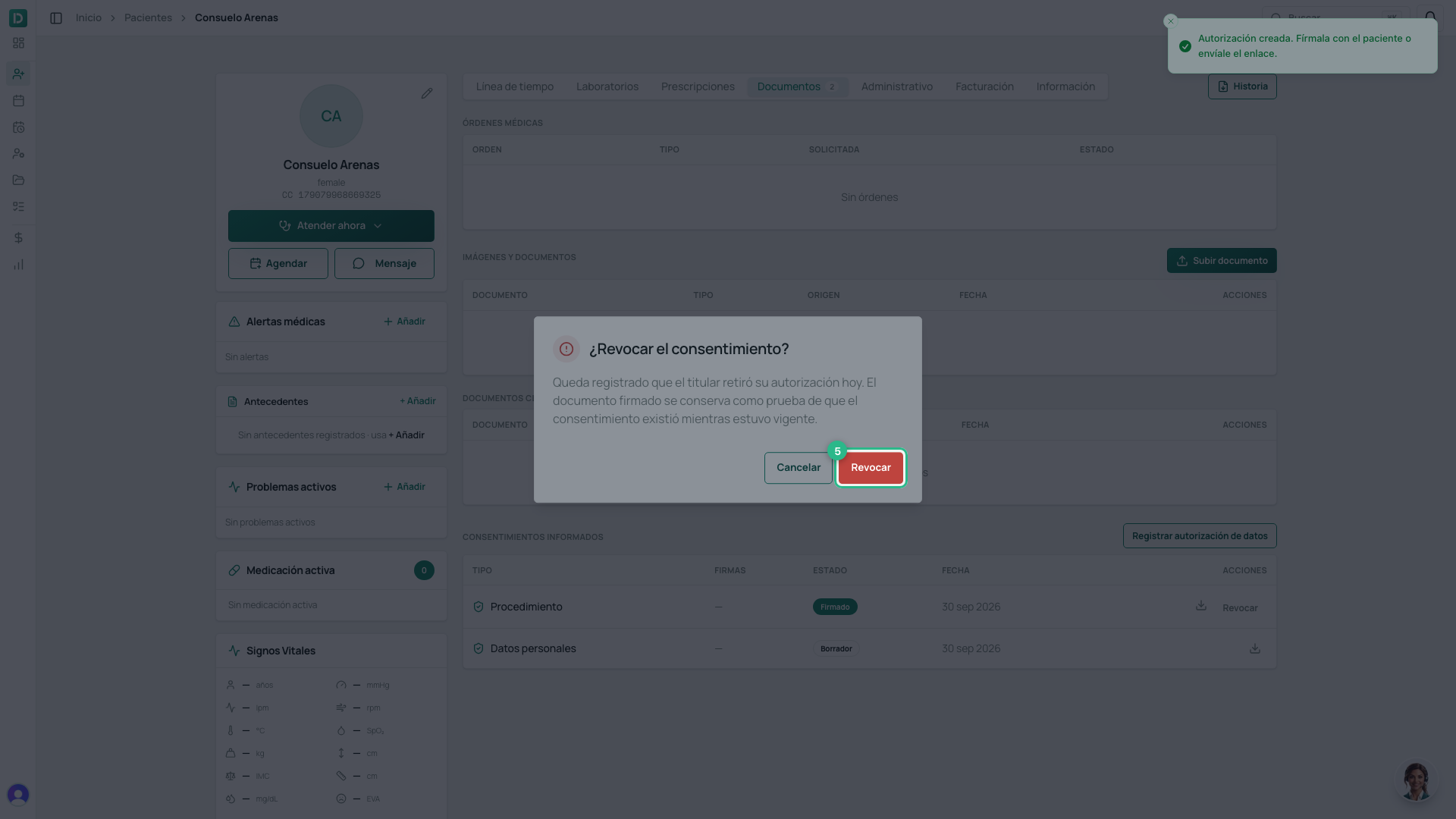
Revoking does not delete the document. It is kept, with its signature, marked as revoked and dated. That is the only way to answer, later, «were they authorised on the day we contacted them?» — a deleted document answers nothing.
⚠️ When the data subject revokes their data-processing authorisation, the system stops sending them messages. If the practice tries to write from the inbox, the reply is refused and says why.
Procedure consents
Consents for a procedure are done inside the consultation, in its Consentimientos section, and are signed on screen by the patient and the professional. They have their own guide: how to sign a procedure consent.