Join your session's video call
On this page
Your session with the advisor happens inside DeusRex. You do not install anything and you do not open another page: you enter from your session ticket.
Before you start
- The session must be confirmed.
- The room opens 10 minutes before the start time and stays open until 15 minutes after the session ends. If you step out mid-call, you can come back while that window is still open.
- Your browser asks for permission to use the camera and the microphone. You must accept.
Enter the room
-
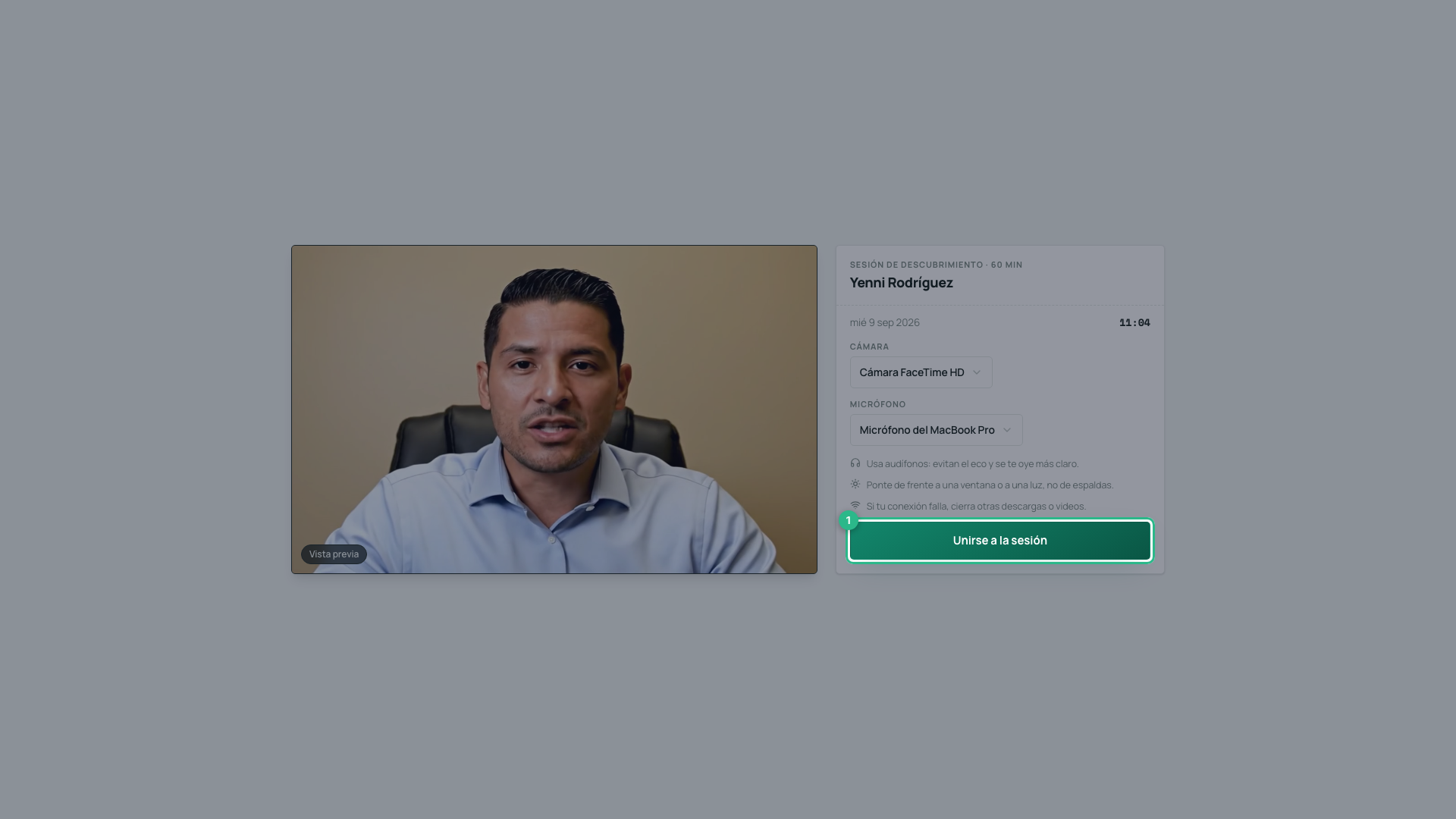
Open Companion → My Sessions and press Join on your ticket. You arrive at the waiting room.
-
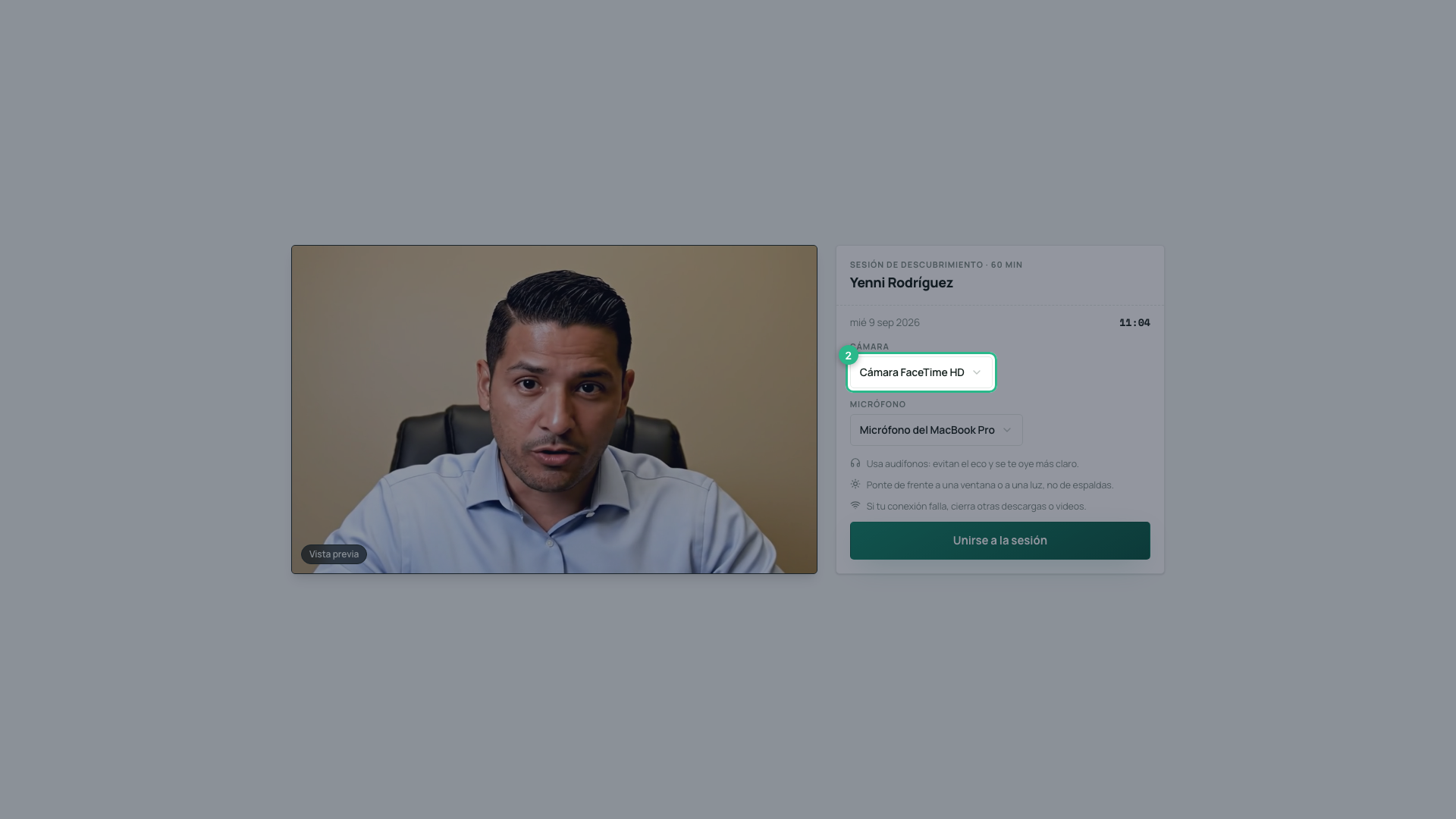
Choose your camera. On the left you see yourself, exactly as the other person will see you. Next time this screen remembers what you picked, as long as the same device is still plugged in.
-
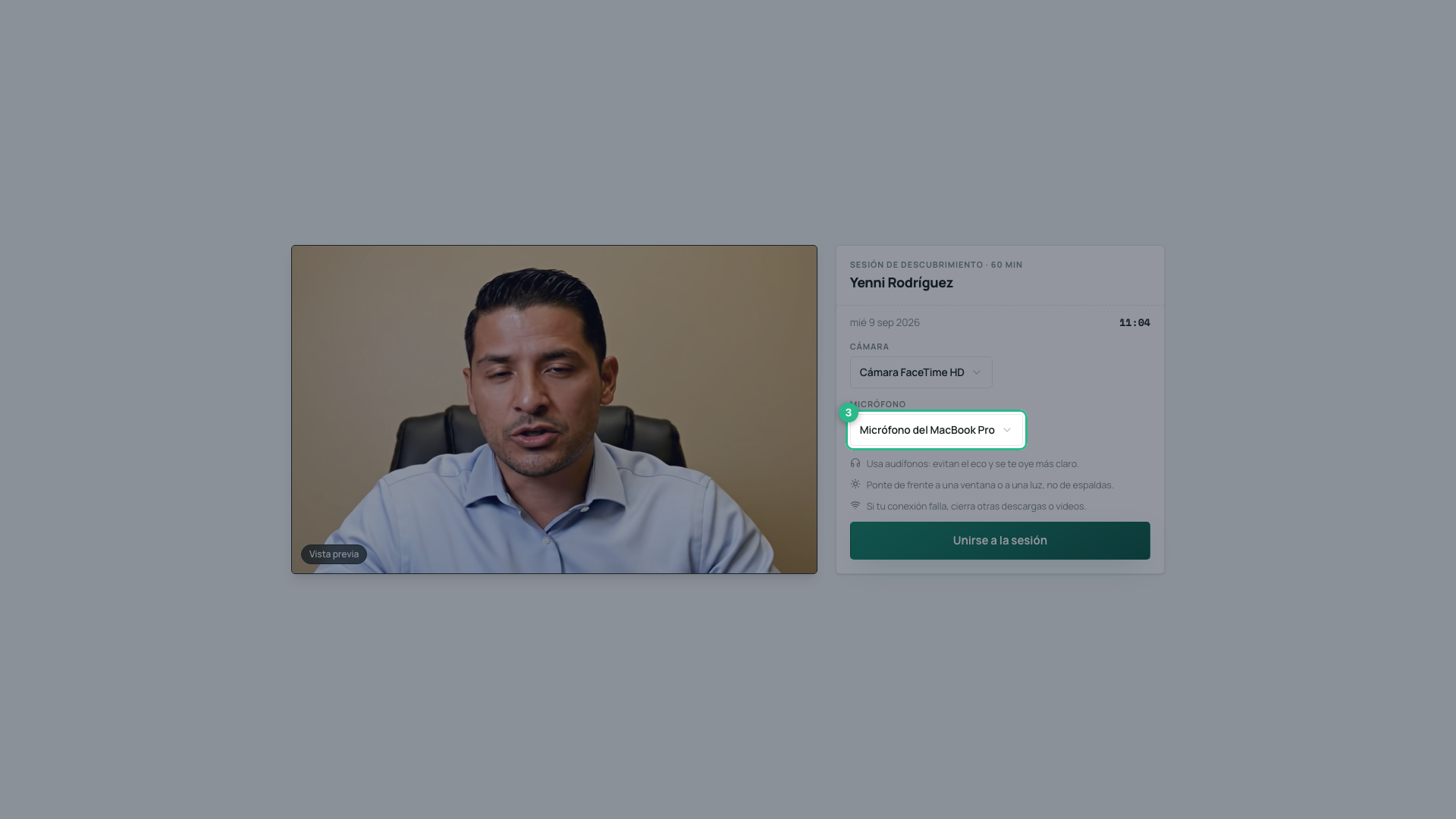
Choose your microphone.
-
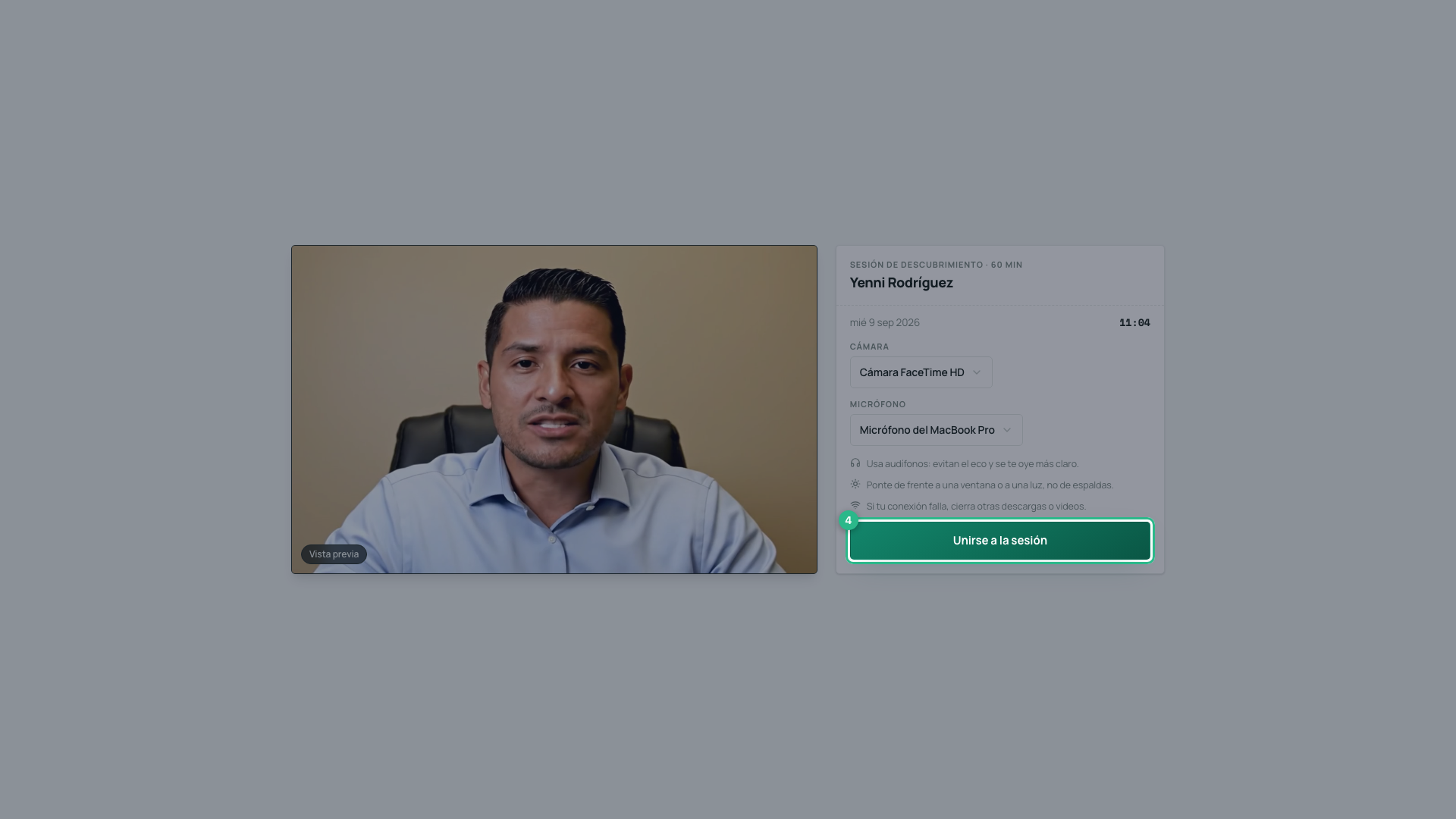
Press Join the session.
During the call
The other person fills the screen and you appear in a small tile. At the top you see the Live mark and the elapsed time.
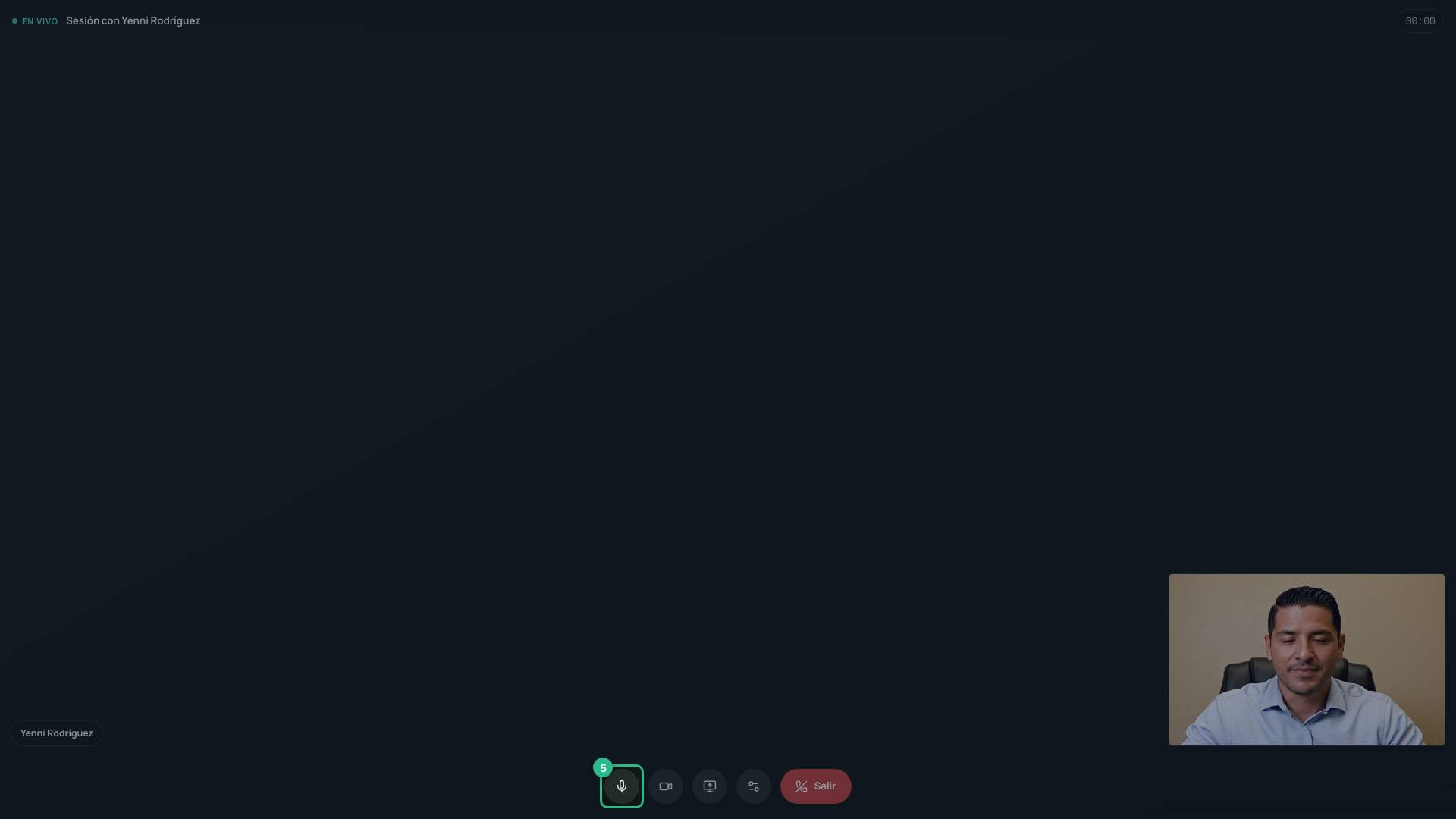
The controls at the bottom do this:
- Microphone — mutes you. Nobody hears you until you turn it back on.
- Camera — turns your picture off. You still hear and speak.
- Share screen — shows your screen to the other person. The button stays green while you share. On a phone this button does not appear.
- Leave — ends your part of the call.
If your connection drops, you see Unstable connection — reconnecting…. The video comes back on its own. Do not close the page.
When the other person joins, a short sound plays. If they leave, the screen says so — left the session — and they can come back while the session is open.
Change camera or microphone without leaving
You no longer have to leave the session to change device. If you joined on the wrong camera, or plug in headphones halfway through:
- Press Change camera or microphone, next to Leave.
- Pick the camera or microphone you want. The change happens at once: the other person starts seeing and hearing you through the new device, and the call does not drop.
Your choice is remembered for next time. Headphones plugged in mid-call appear in the list on their own.
If a colleague joins
Someone from your organization — a partner, an assistant — can join the room too, with their own account, from the same session link.
- 4 people fit in total.
- With three or more, the faces move into a grid and your own face joins the grid with everyone else. Each tile carries a name.
- Your colleagues appear as Team.
- A fifth person trying to enter sees The room is full.
A patient of your clinic cannot enter: the room is only for your team and your advisor.
If you signed in with another account
Only the accounts that are part of the session can enter the room. If you open the link with a different one, the screen tells you so instead of leaving you waiting.
-
If you see This session belongs to another account, the account you signed in with is not invited. The screen shows which email you are signed in with.

-
Click Switch account. Your current session is signed out and you land on Sign in.
-
Sign in with the account you booked with. You go straight back to this session’s room.
If you booked on deusrex.io without an account
A session booked on deusrex.io/asesores is tied to the email you typed
when booking. If you open its link with another account, you will see This
session was booked with another email, with that email partly hidden (for
example, ma•••••@example.com) so you know which one to use.

- If you already have an account with that email, click Sign in with that email.
- If not yet, click Create account and sign up with that same email.
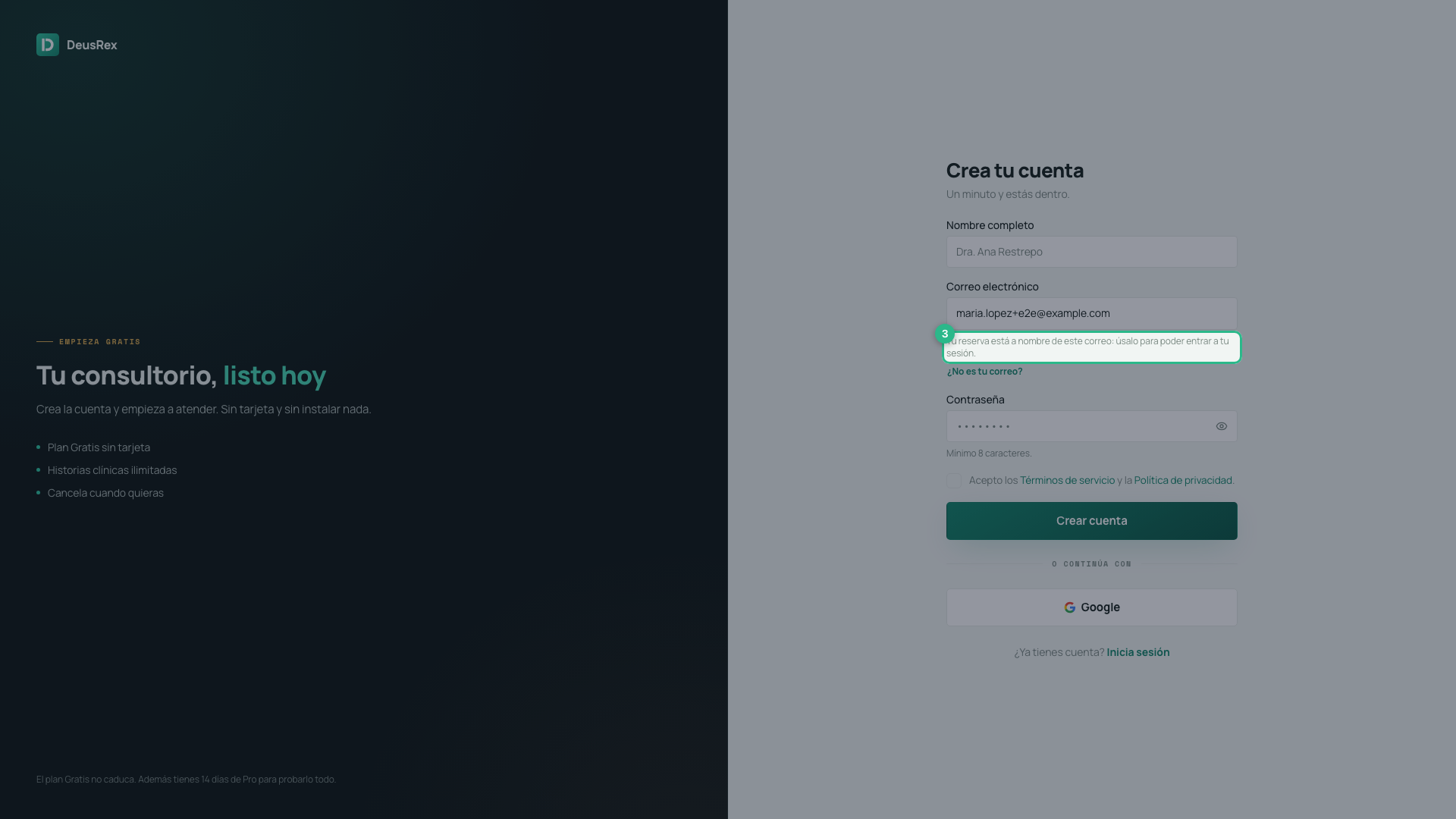
The link in your booking email takes you to sign-up with your email already filled in: “Your booking is under this email: use it so you can join your session.” Keep it — with any other email you will not be able to join the session. If it really is not yours, click Not your email? to change it.
Finish
Press Leave. You see the confirmation with the length of the session and a button back to your sessions.

Note
Nobody records the session. Not you, not the advisor, not DeusRex.